It is good programming practice to number lines in increments of
10-in case you need to insert some statements later on.
Besides PRINT, our program also used another BASIC command,
GOTO. This instructs the computer to go directly to a particular line and
perform it, then continue from that point.
[
HI' PRINT "COMMODORE 64"
2" GOTO 1"
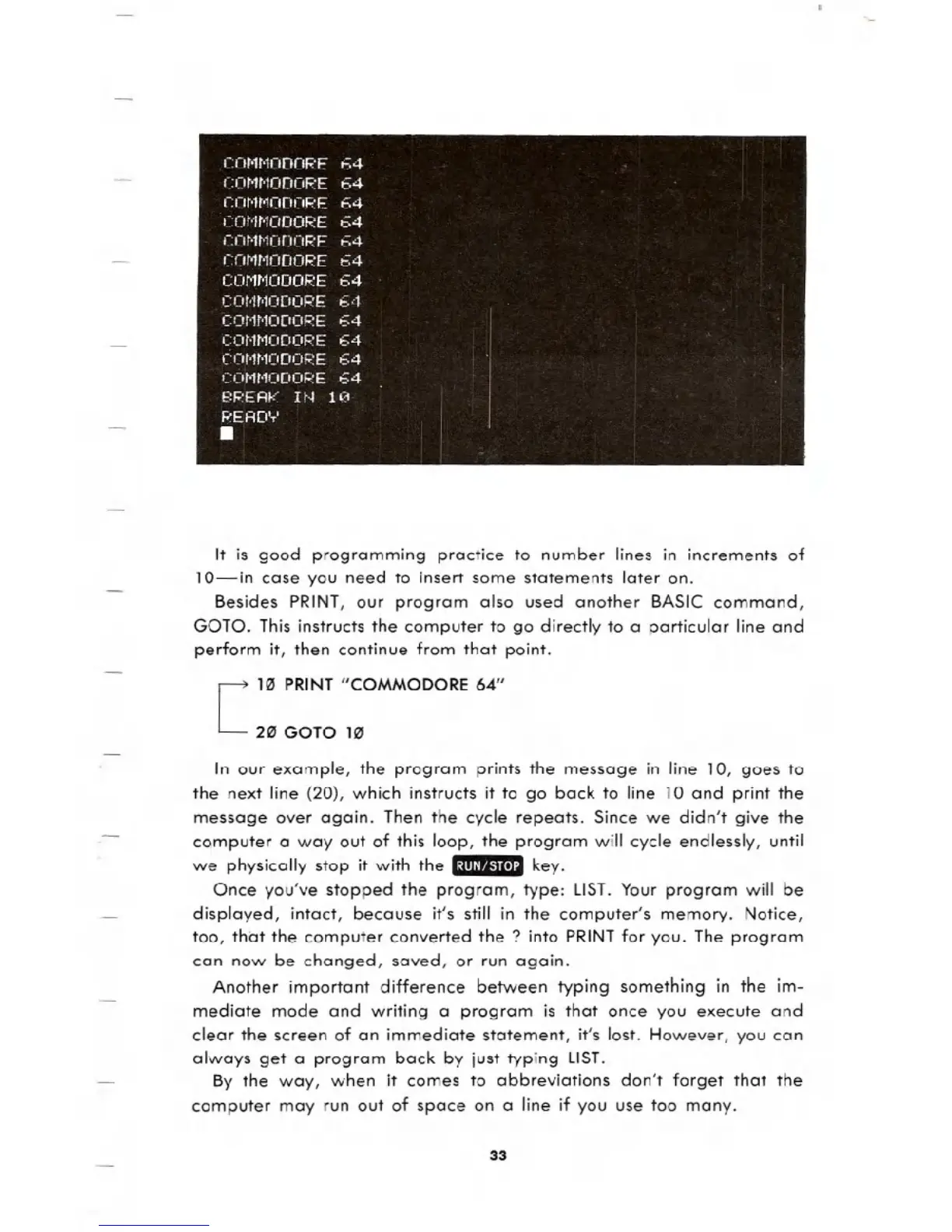
In our example, the program prints the message in line 10, goes to
the next line (20), which instructs it to go back to line 10 and print the
message over again. Then the cycle repeats. Since we didn't give the
computer a way out of this loop, the program will cycle endlessly, until
we physically stop it with the .:ml' u.UI key.
Once you've stopped the program, type: LIST. Your program will be
displayed, intact, because it's still in the computer's memory. Notice,
too, that the computer converted the? into PRINTfor you. The program
can now be changed, saved, or run again.
Another important difference between typing something in the im-
mediate mode and writing a program is that once you execute and
clear the screen of an immediate statement, it's lost. However, you can
always get a program back by just typing LIST.
By the way, when it comes to abbreviations don't forget that the
computer may run out of space on a line if you use too many.
33





 To Next Page