On page 60 we showed just four locations, two of which control the
screen and background colors. Try typing this:
POKE53281,7 .:I:llmll.
The background color of the screen will change to yellow because we
placed the value 7'-for yellow-in the location that controls the
background color of the screen.
Try POKEing different values into the background color location, and
see what results you get. You can POKE any value between 0 and 255,
but only 0 through 15 will work.
The actual values to POKE for each color are:
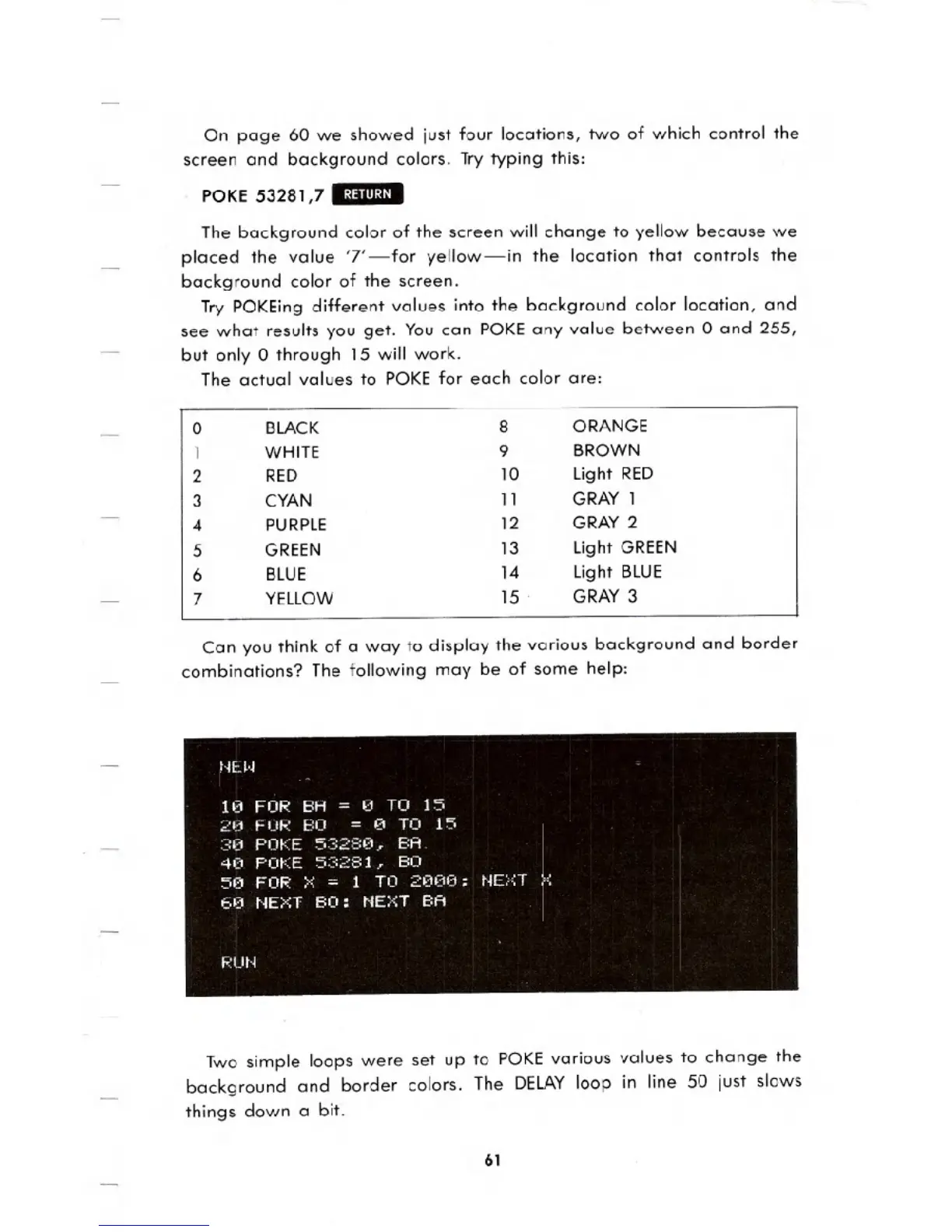
Can you think of a way to display the various background and border
combinations? The following may be of some help:
Two simple loops were set up to POKE various values to change the
background and border colors. The DELAY loop in line 50 just slows
things down a bit.
61
0 BLACK
8 ORANGE
1 WHITE
9 BROWN
2
RED
10
Light RED
3 CYAN
11
GRAY 1
4 PURPLE
12 GRAY 2
5
GREEN
13
Light GREEN
6 BLUE
14
Light BLUE
7 YELLOW
15 .
GRAY 3





 To Next Page