WIDENING
WIDENING
WIDENING
WIDENING
WIDENING
GAPS
GAPS
GAPS
GAPS
GAPS
WIIININi
6APS
WIIINIIil
GtfS
WIIlENINi
GtfS
IIIIININi
GtfS
WIIlENINi
&tfS
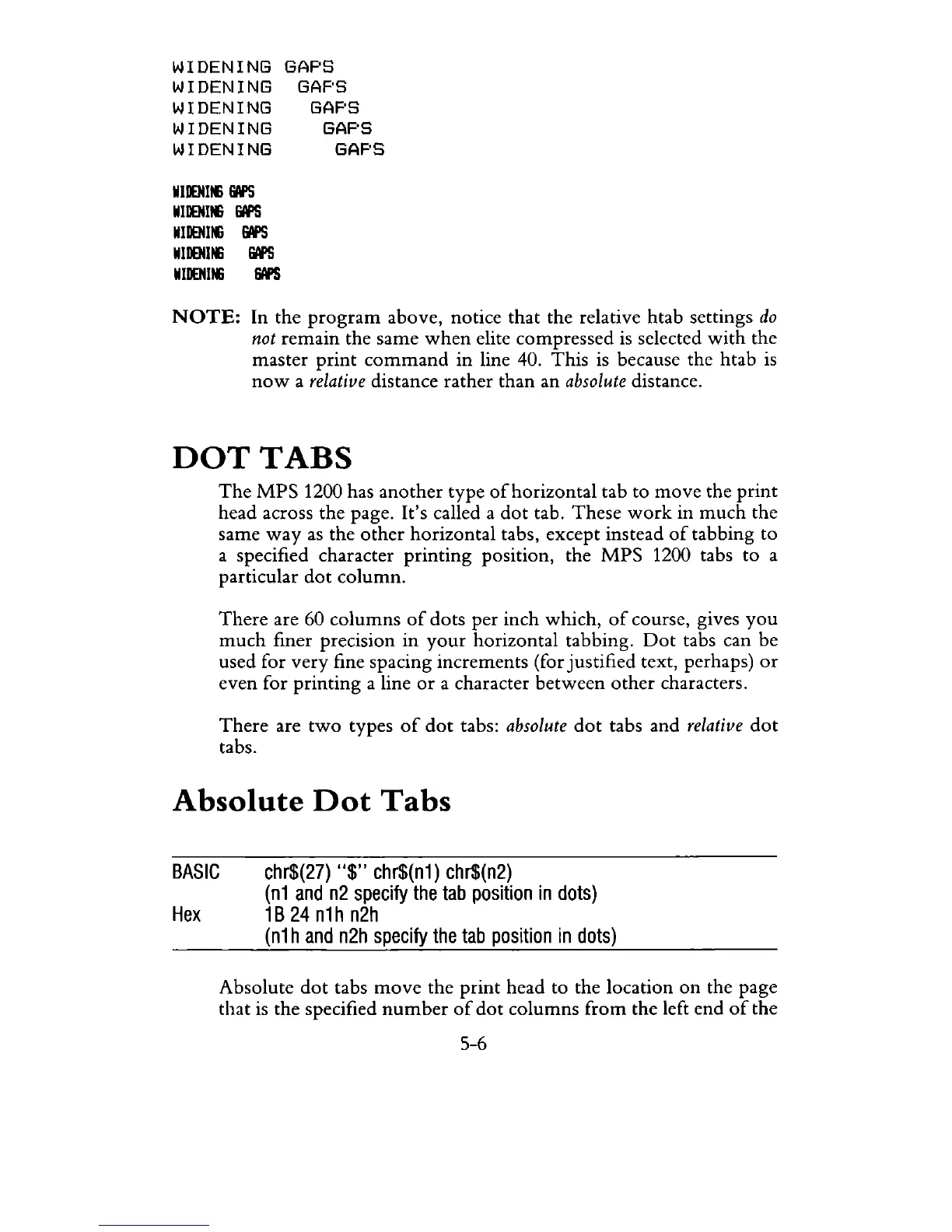
NOTE:
In the
program
above, notice that the relative htab settings
do
not
remain the same
when
elite compressed
is
selected
with
the
master
print
command
in line 40. This
is
because the htab
is
now
a
relative
distance rather than an
absolute
distance.
DOT
TABS
The
MPS
1200 has another type
of
horizontal tab to
move
the
print
head across the page. It's called a
dot
tab.
These
work
in
much
the
same
way
as
the
other
horizontal tabs, except instead
of
tabbing to
a specified character printing position, the
MPS
1200 tabs
to
a
particular
dot
column.
There
are 60 columns
of
dots per inch which,
of
course, gives
you
much
finer precision in
your
horizontal tabbing.
Dot
tabs can be
used for very fine spacing increments (for justified text, perhaps)
or
even for printing a line
or
a character
between
other
characters.
There
are
two
types
of
dot
tabs:
absolute
dot
tabs and
relative
dot
tabs.
Absolute
Dot
Tabs
BASIC
chr$(27)
"$"
chr$(n1) chr$(n2)
Hex
(n1
and
n2
specify
the tab
position
in
dots)
1B24n1hn2h
(n1
hand
n2h
specify
the
tab
position
in
dots)
Absolute
dot
tabs
move
the
print
head to the location
on
the page
that
is
the specified
number
of
dot
columns from the left end
of
the
5-6



 To Next Page