C-Band Transceiver Revision 1
CSAT-5060 5 to 25 Watt Installation MN/CSAT5060.IOM
A–19
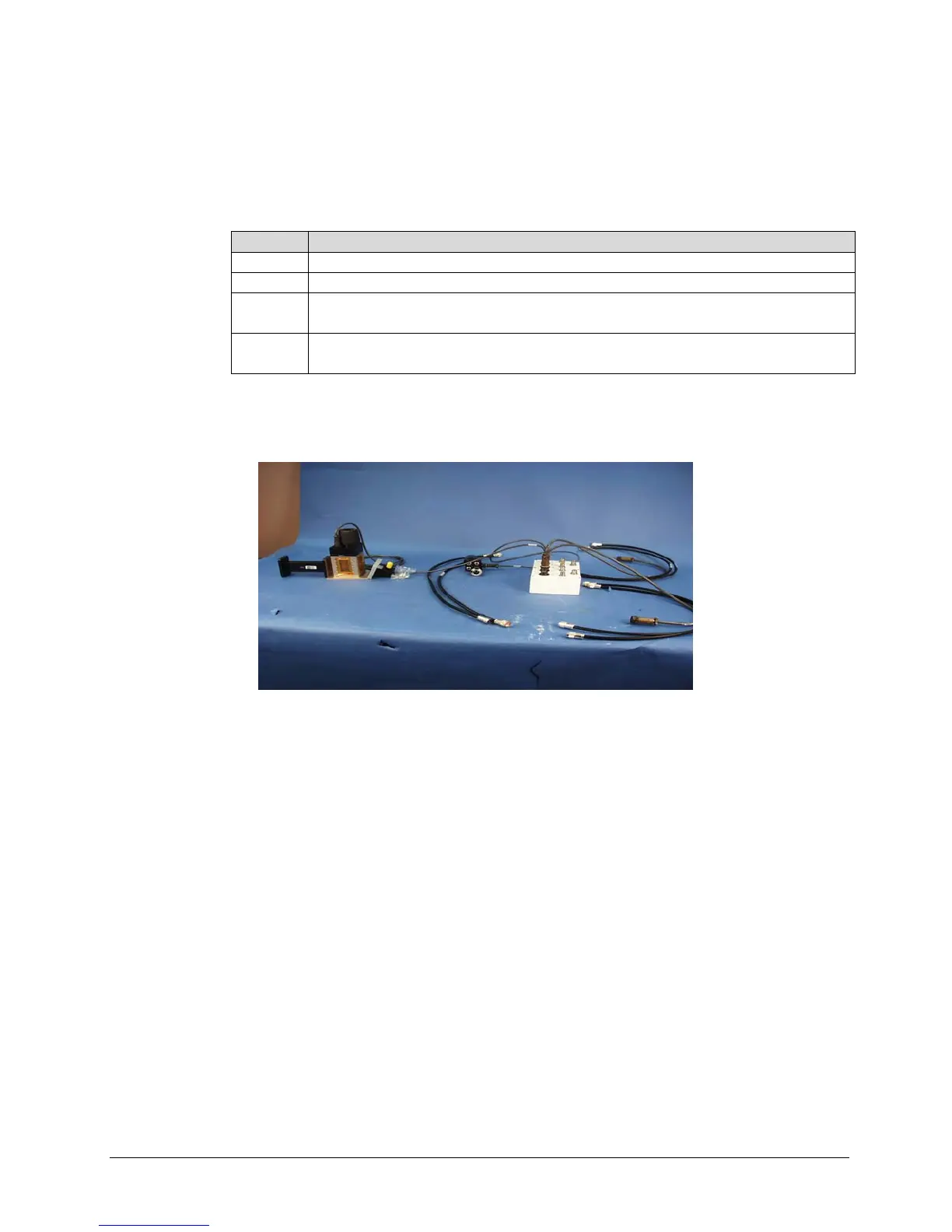
A.4.3 Connect Cabling to the Remote Switch Box, AS/0490
Step Procedures
1 Connect one end of the RF cable, (4, Figure A-16) to UNIT A connector.
2 Connect one end of the RF cable, (5) to UNIT B connector.
3 Connect one end of Cable (2) to RX SWITCH connector of the switch box
(1, figure A-17).
4 Connect one end of Cable (3, figure A-16) to TX SWITCH connector of the
switch box (1, figure A-17). Set box aside for later installation.
Figure A-20. Remote Switch Cast Box and Hardware



 To Next Page