CSAT-5060 C-Band Transceiver Revision 1
Ethernet-based Remote Product Management MN/CSAT5060.IOM
AA–19
AA.5.5.3 Config Pages
Click the Config tab, and then select a hyperlink to continue.
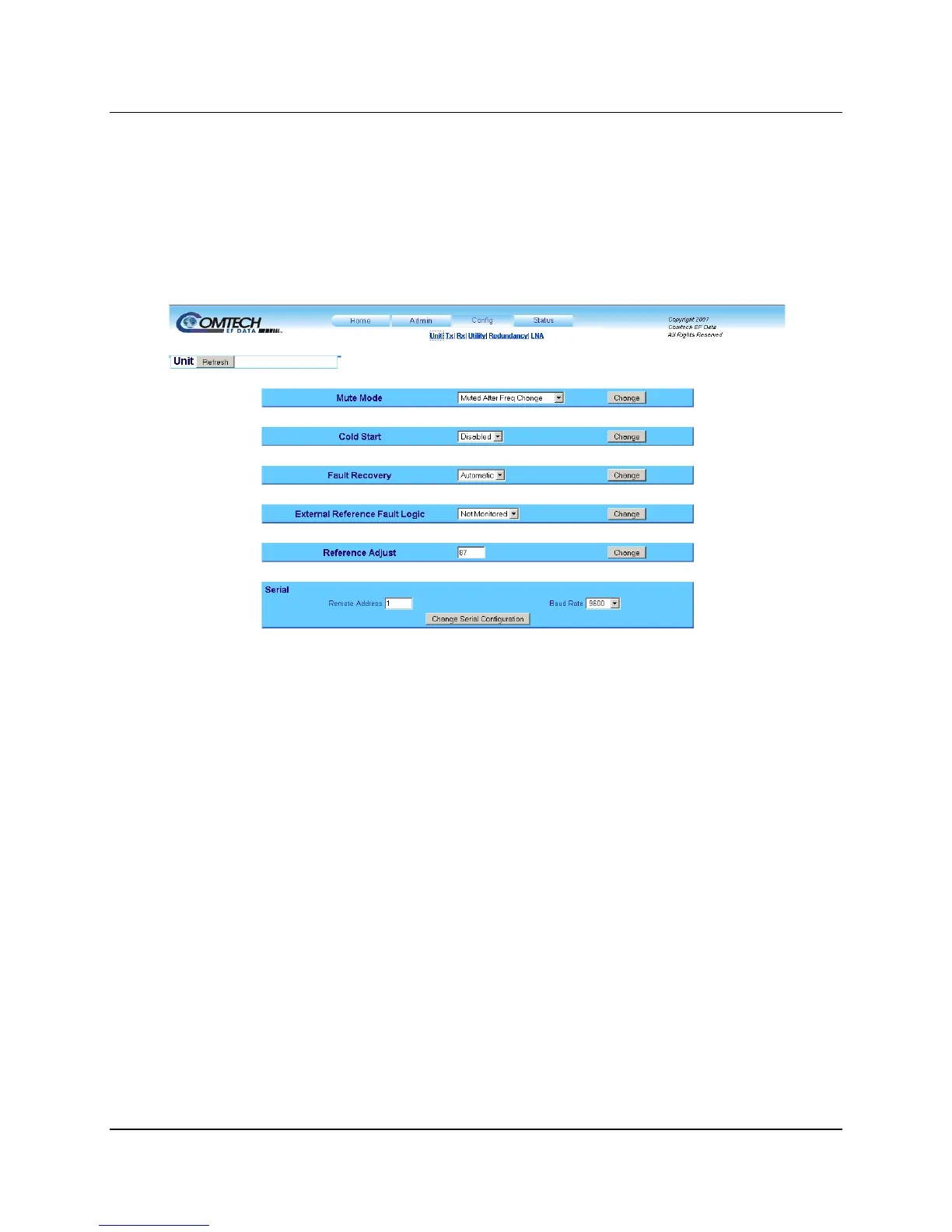
AA.5.5.3.1 Config | Unit Page
Use this page to configure the operations, and alarms/faults handling for the unit. At any time,
click Refresh to update this page and see the most recent data.
Figure AA-6. Config | Unit page
Mute Mode
Use the drop-down list to choose Unmuted after Frequency Change or Muted after Frequency
Change. Click Change to save the setting.
Cold Start
Use the drop-down list to choose Disabled or Enabled. Click Change to save the setting.
Fault Recovery
Use the drop-down list to choose Automatic or Manual. Click Change to save the setting.
External Reference Fault Logic
Use the drop-down list to choose Not Monitored or Monitored for software monitoring of the
external reference source. If Monitored is selected and there is no source, a fault is reported.
Click Change to save the setting.



 To Next Page