Low Power Outdoor (LPOD) Amplifier/Block Up Converter (BUC)
Revision 15
Ethernet Interface Operation 4–19 MN-LPOD
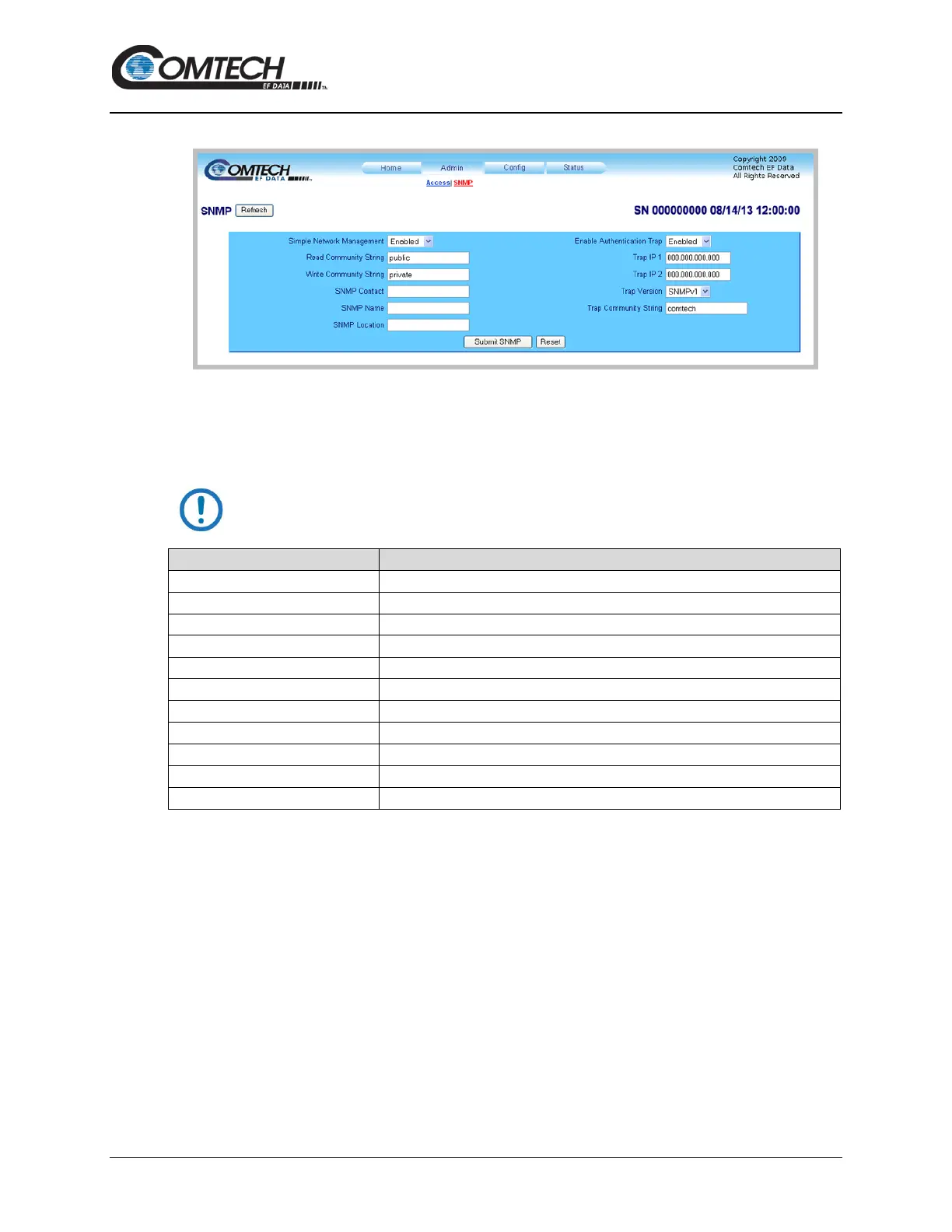
4.5.2.2 Admin | SNMP
Figure 4-10. ‘Admin | SNMP’ Page
SNMP
Click [Refresh] to see the latest page data.
The Community String fields can be any combination of characters and a
length of 0 to 20 charaters.
Simple Network Management
Use the drop-down list to select Enabled or Disabled.
The factory default is public.
The factory default is private.
Enable Authentication Trap
Use the drop-down list to select Enabled or Disabled.
Assigned by the Administrator.
Assigned by the Administrator.
Use the drop-down list to select the version.
The factory default is Comtech.
Click [Reset] to restore the previously saved settings.
Click [Submit SNMP] to save any changes.



 To Next Page