27Operating the control software
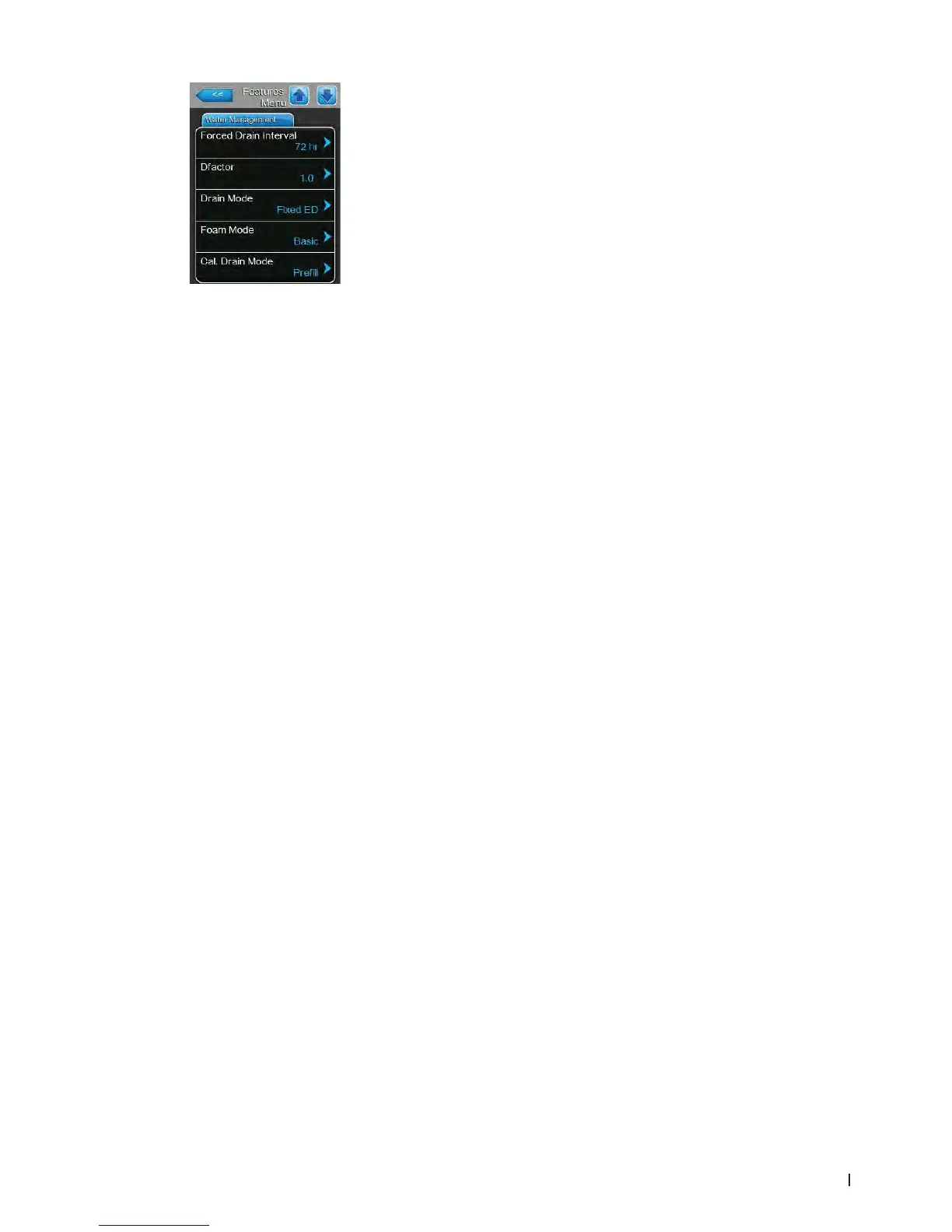
– Forced Drain Interval: with this setting you determine the period of time
after which the forced cylinder draining takes place.
Factory setting: 72 hours
Setting range: 1 ... 100 hours
– Dfactor: with this setting you can increase or decrease the drain time.
Factory setting: 1.0
Setting range: 0.0 ... 100.0
– Drain Mode: with this setting you determine when a corrective drain will
be performed if the software detects excess current.
Factory setting: Fixed ED
Options: Fixed ED (corrective drain will be performed at
an excess current of 115 % of the current at full
capacity)
Float ED (corrective drain will be performed at an
excess current of 115 % of the current of the pre-
sent demand and a warning message is triggered)
– Foam Mode: with this setting you determine whether foaming in the
steam cylinder is detected with appropriate corrective actions ("Basic" or
"Advanced") or not ("Off").
Factory setting: Basic
Options: Basic (basic foam detection)
Advanced (advanced foam detection, requires the
installation of an optional hardware kit)
Off (foam detection deactivated)
– Cal. Drain Mode: with this setting you determine how the steam cylinder
will be drained to control water conductivity in the cylinder.
Factory setting: Prell
Options: Prell (rst ll then drain)
Basic (normal drain)
Multi (performs multiple short drains and lls until
the accumulated time of the short drains is equal to
calculated drain time.)















 To Next Page