28 Operating the control software
Operation Tab
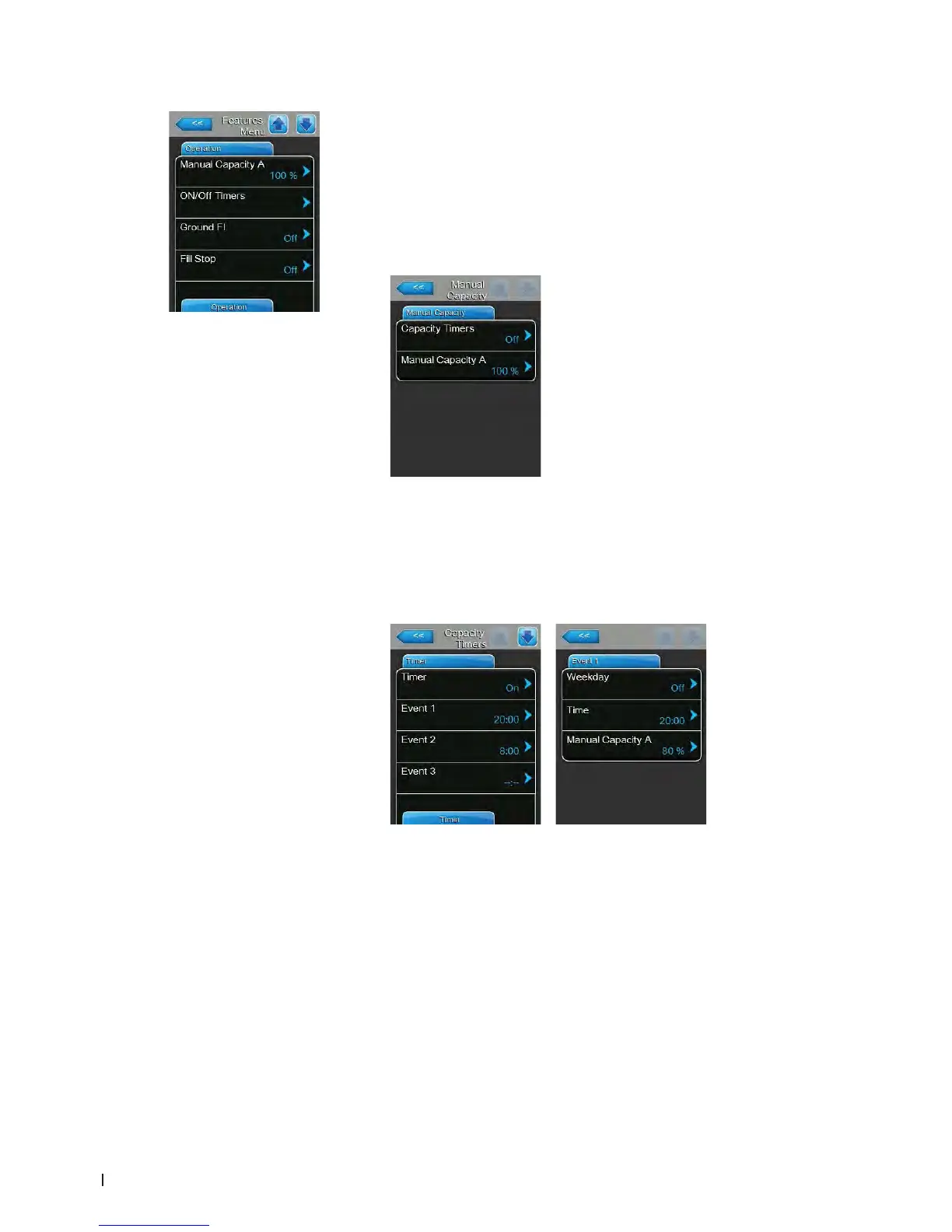
– Manual Capacity A: with this button you can access the capacity limit
settings menu. You can set the humidier to operate with a xed capacity
limit or via the timer function with different capacity limits.
Note: on large units with two steam cylinders and on double units the
capacity limitation is valid for both steam cylinders (Module A and B). On
Linkup systems the capacity limitation can be set for the main (Main module
A and B) and the extension units (Extension module A and B) individually.
– Working with a xedcapacitylimit
Let the timer function deactivated (Capacity Timers: "Off") or deac-
tivate the timer function if necessary. Then, set the desired capacity
limitation of the steam humidier in % of the maximum capacity via
the "Manual Capacity A" parameter (Factory setting: 100 %, Setting
range: 20 ... 100 %).
– Working with different timer controlled capacity limits
Set "Capacity Timers" setting to "ON".
If the capacity timer is activated, up to eight switching points (Event 1...
Event 8) with different capacity limits can be dened. Each switching
point is dened by a weekday or weekday range, the switching time
and the capacity limitation in % of the maximum capacity.















 To Next Page