43Operating the control software
The following settings appear only, if the parameter "BACnet" is set to
"MSTP".
Note: with BACnet MSTP the Condair EL acts as a slave node only device.
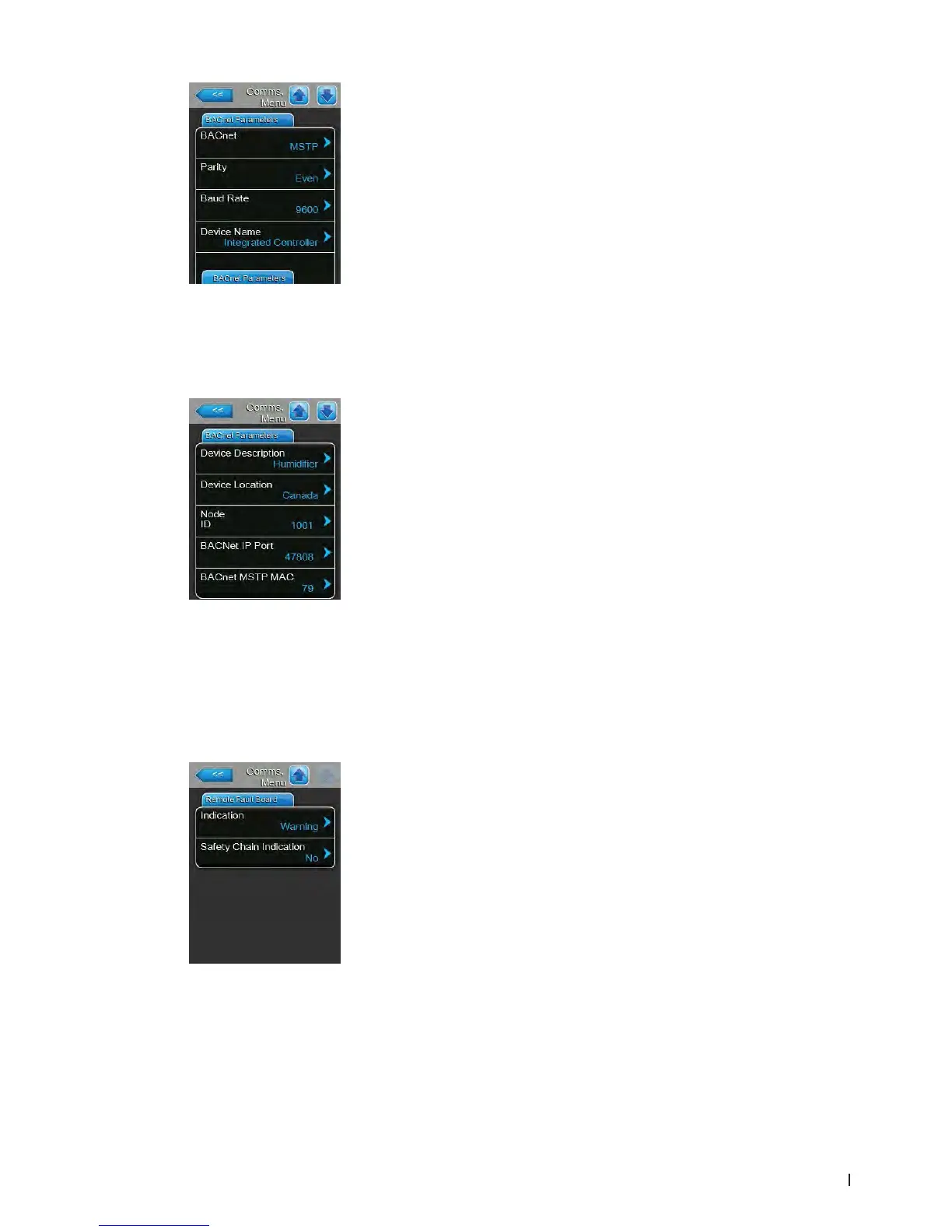
– Parity: with this setting you set the parity bit for the data transfer.
Factory setting: Even
Options: None, Even or Odd
– Baudrate: with this setting you set the Baudrate for the data transfer.
Factory setting: 9600
Options: 110, 300, 600, 1200, 2400, 4800, 9600, 19200,
38400, 57600, 76800 or 115200
– Device Name: with this setting you determine the name of the Condair
EL for the communication via the integrated BACnet interface.
– Device Description: with this setting you determine a short descrip-
tion of the unit.
– Device Location: with this setting you determine the designation of
the unit location.
– Node ID: with this setting you assign a node ID to the Condair EL for
the communication via the BACnet/MSTP/IP protocol.
Factory setting: 1001
Setting range: 1-9999999
– BACnet IP Port: with this setting you assign a IP port number for the
Condair EL.
Factory setting: 47808
Setting range: 1-65535
– BACnet MSTP MAC: with this setting you assign a MSTP MAC ad-
dress for the Condair EL.
Factory setting: 128
Setting range: 128-254
Remote Fault Board Tab
– Indication: with this setting you determine whether only maintenance
messages ("Service") or all Warning messages ("Warning") are outputted
via the service relay of the remote operating and fault indication board.
Factory setting: Service
Options: Service or Warning
– Safety Chain Indication: with this setting you determine whether the ser-
vice relay on the remote operating and fault indication board is activated
when the external safety chain is open ("Yes") or not ("No").
Factory setting: No
Options: No or Yes















 To Next Page