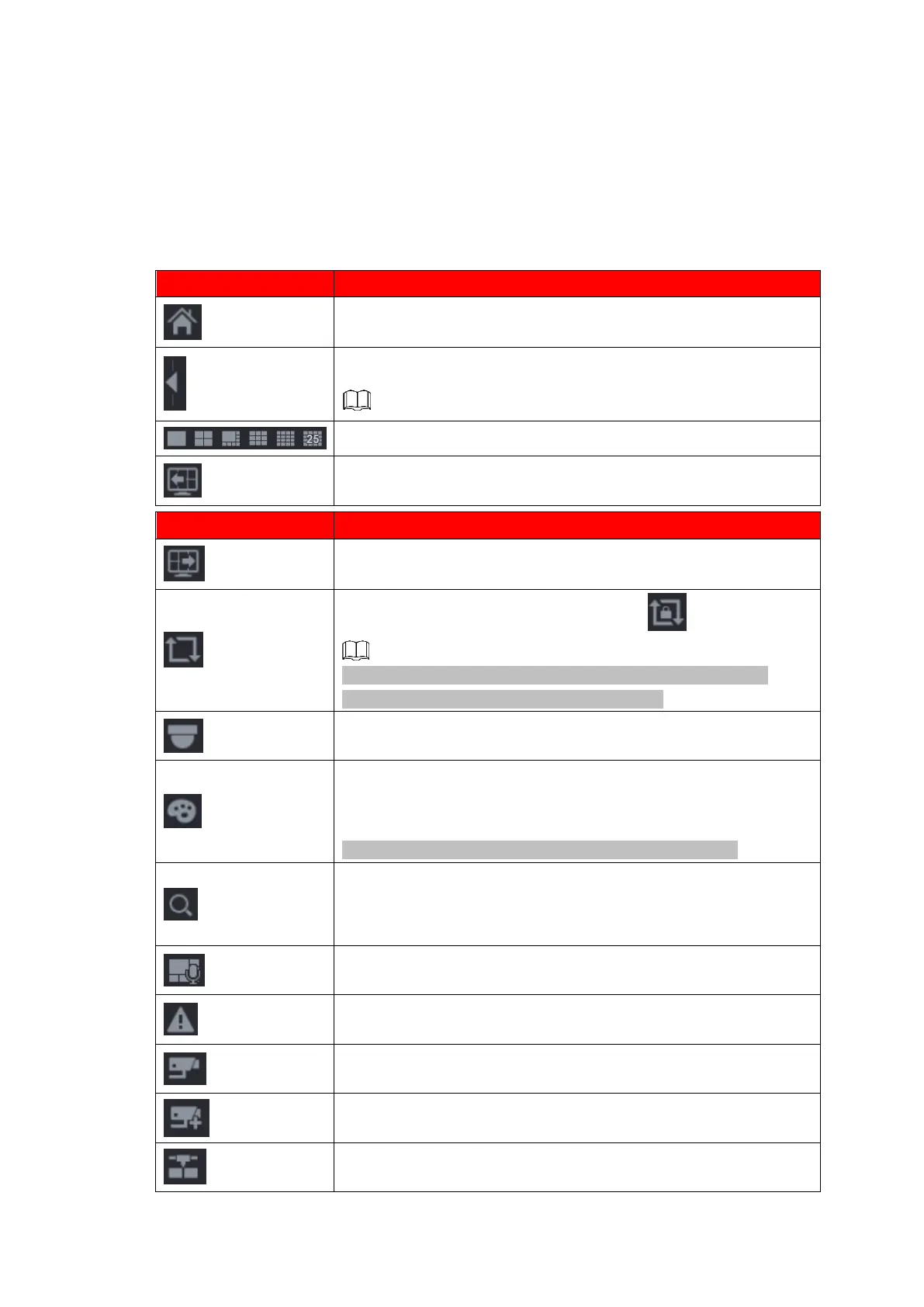
Expand or condense the navigation bar.
Go to the previous screen.
Enable tour function. The icon switches to .
Close the tour or the triggered tour operation has cancelled,
device restores the previous preview video.
Open the PTZ control panel. For details, see "1.4.2 PTZ Control".
Open the Color Setting interface. For details, see "1.4.2 PTZ
Control."
This function is supported only in single-channel layout.
Open the record search interface. For detail, see "1.6.2 Search
Interface."
Open the Broadcast interface. For detail, see "1.17.3
Broadcast."
Open the EVENT interface to view the device alarm status. For
details, see "1.8.2 Alarm Status."
Open the CHANNEL INFO interface to display the information of
each channel. For details, see " 1.3.2.1 Channel Info."
Open the CAMERA REGISTRATION interface. For details, see
"1.1.4.4 Registration."
Open the NETWORK interface. For details, see " 1.12 Network."



 To Next Page