Lamp Replacement 89
Replacement Procedure
To replace the reflective lamp, perform the following:
1.
1.1.
1. Switch the scanner ON; after a few seconds, the Status LED is
green.
2.
2.2.
2. Open the top cover.
3.
3.3.
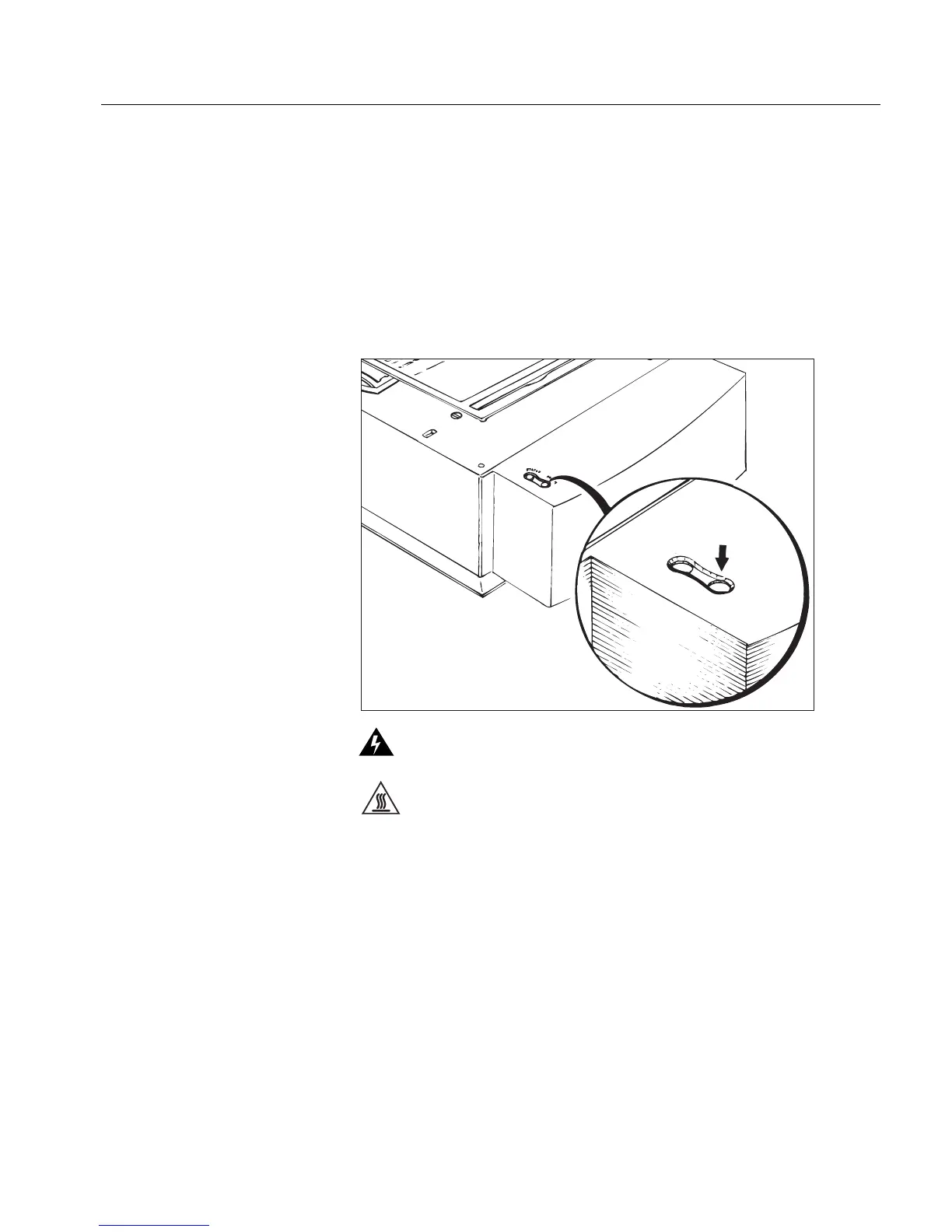
3. Press the Light button on the front panel for approximately 20
seconds; the lamp assembly moves to the center of the glass plate.
Switch OFF the main power switch of the scanner.
The reflective lamps are hot. Wait a few minutes for the lamps to cool off
before replacing them.
S
T
A
T
U
S
L
I
G
H
T



 To Next Page