Backup Parameters 77
7.5 Backup Parameters
Choose the Backup Parameters option when you need to:
• load the parameters from the backup media to the computer,
and to the scanner memory. This is a fast installation, without
any optics check or creation of tables. You may need to use this
option, for example, if your EverSmartScan.Prefs file is erased
or becomes corrupted.
• save the parameters from the computer to a Backup Media.
1.
1.1.
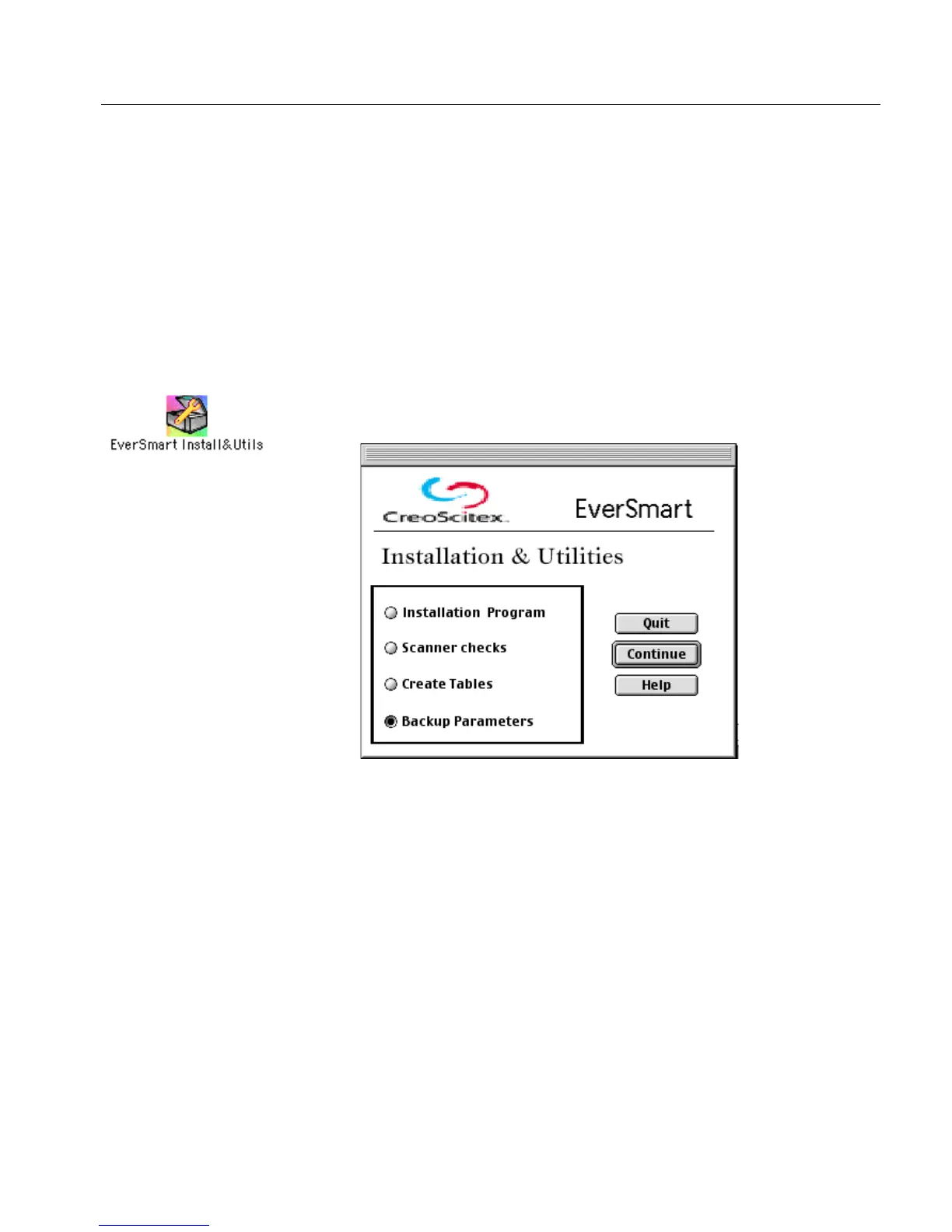
1. Double-click the EverSmart Install&Utils icon. In the window that
is displayed, select Backup Parameters.



 To Next Page