76 Chapter 7 Utilities
Follow the instructions, and click Proceed; the Create Tables
window is displayed, and a fully automatic procedure begins.
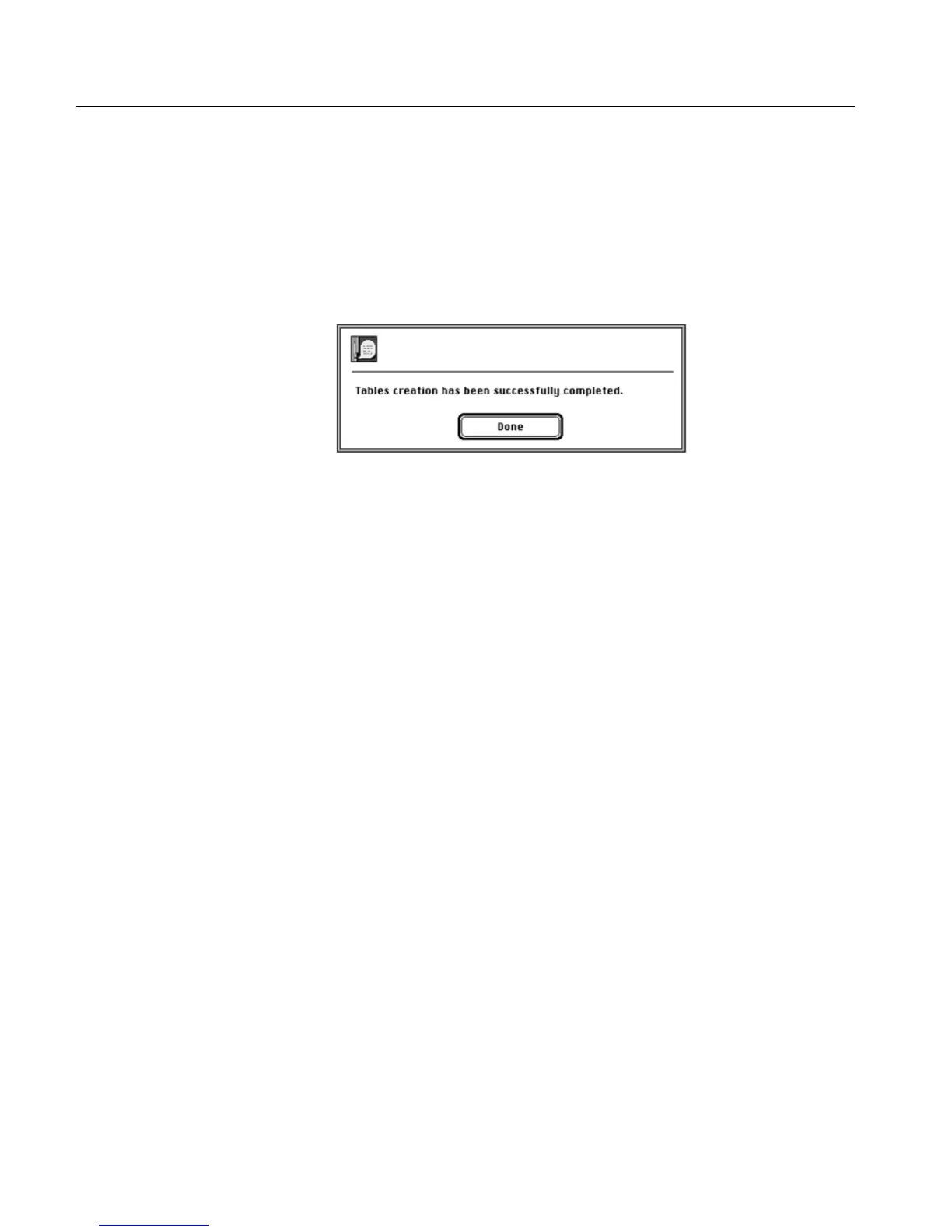
At the end of the process, the following completion message is
displayed.
Results file
Upon completion of the table creation procedure, the results are written
to the file Install&Util_results_file.
Refer to Stage 7 - Create Tables on page 55, and Stage 8 - Backup to
Diskette or External Media on page 56.
For an explanation of this file, refer to EverSmart Scan Log Folder on page 79.



 To Next Page