56 Chapter 6 Installation Program
A fully automatic procedure for creating new machine tables is
now performed. The duration of this procedure is approximately
one hour, and a progress bar at the bottom of the screen shows the
percentage of time that has elapsed.
At the end of the tables, the parameters are automatically updated
in the EverSmartScan.Prefs file, and saved back to the scanner.
6.8 Stage 8 - Backup to Diskette or External Media
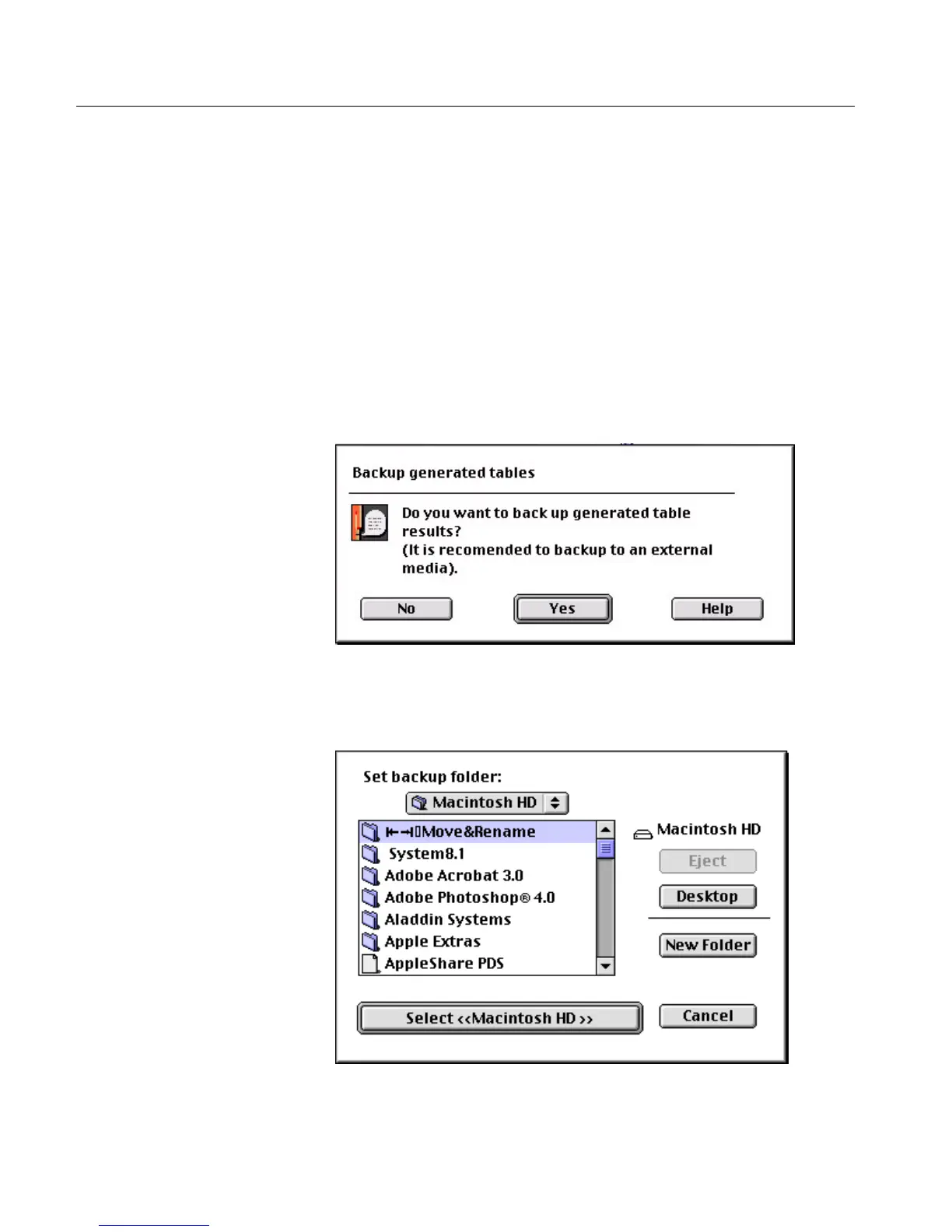
At this point, a message window is displayed prompting you to
back up the generated table results to a diskette or to another
external media.
Click Ye s .
As a precaution, we recommend that you back up the newly
created tables. The following dialog box is displayed.



 To Next Page