Status Screen 69
7.1 Status Screen
While a utility program is running, you can view the progress of the
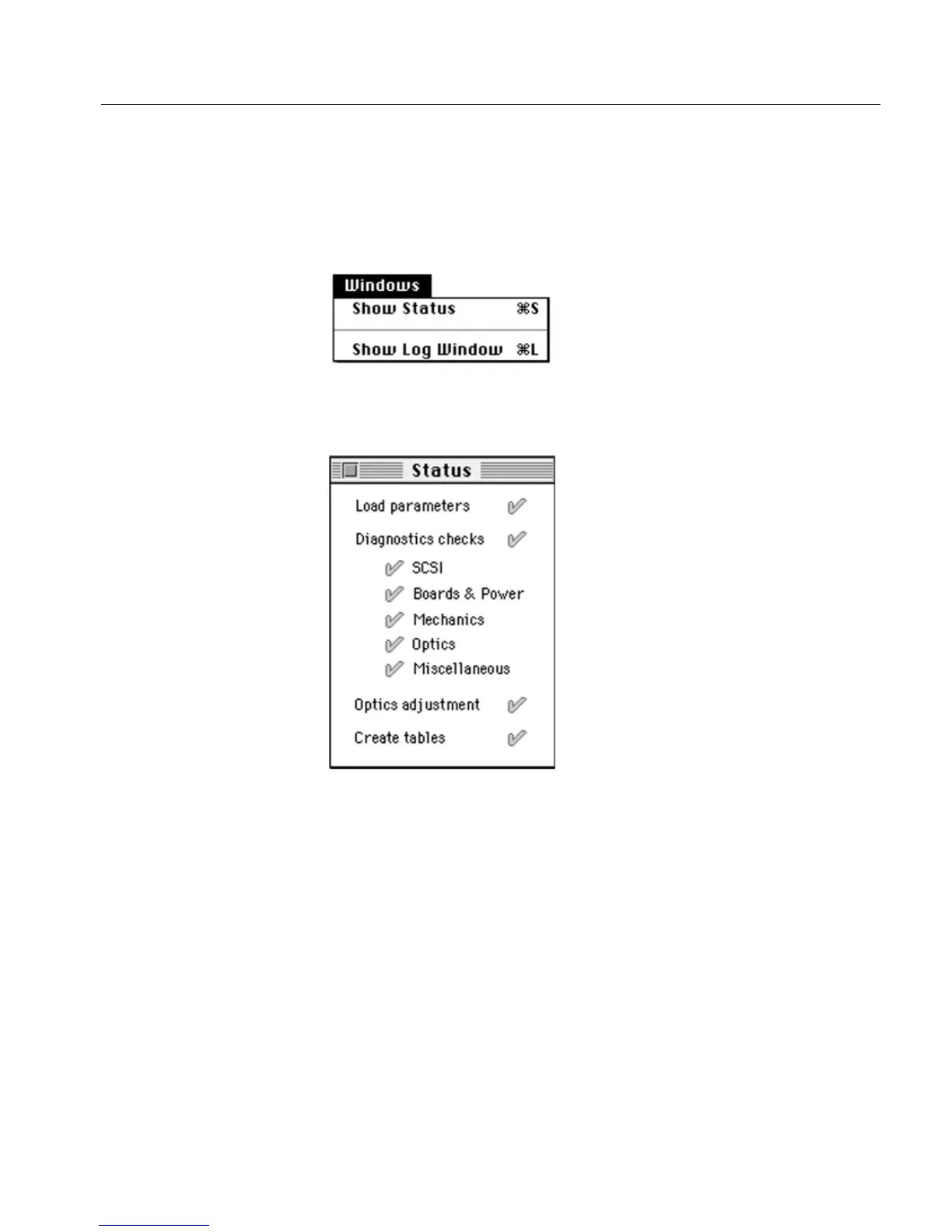
process, by selecting the Show Status option from the Windows menu,
in Menu bar.
After you select the Show Status option, the following window is
displayed.
In the Status window, successful tests are marked with a green check
mark, and failed tests are marked with a red X.



 To Next Page