46 Chapter 6 Installation Program
At this stage of the installation procedure your scanner is switched on,
is connected to the system, and the scanning software is loaded in the
computer.
This chapter explains the Full Install procedure, which takes
approximately 1-1.5 hours, depending on the scanner type.
6.1 Stage 1 - Launch the Installation & Utilities Application
Open the EverSmart oXYgen/v.3.0 application folder.
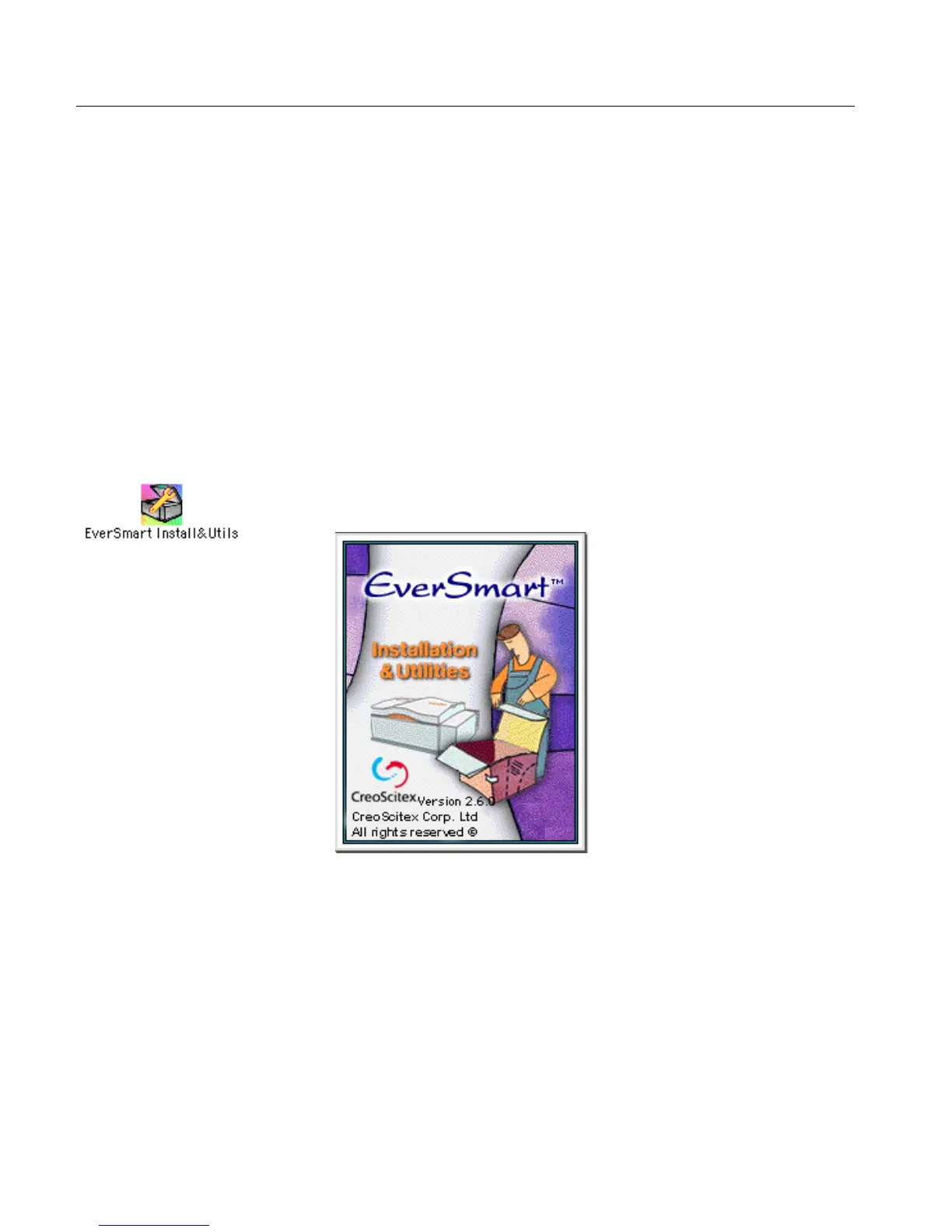
Double-click the EverSmart Install&Utils icon; the EverSmart
Installer flash screen is displayed.
If a problem arises during the Full Install procedure, refer to the Troubleshooting
for the Installation & Utilities Program on page 60.
For partial installation (Custom Install), refer to 7.2 Custom Install on page 70.



 To Next Page