SCSI Board Installation (if required) 35
5.2 SCSI Board Installation (if required)
The next stage in the installation procedure is to connect the SCSI
board to your computer.
SCSI configuration involves the following steps:
1.
1.1.
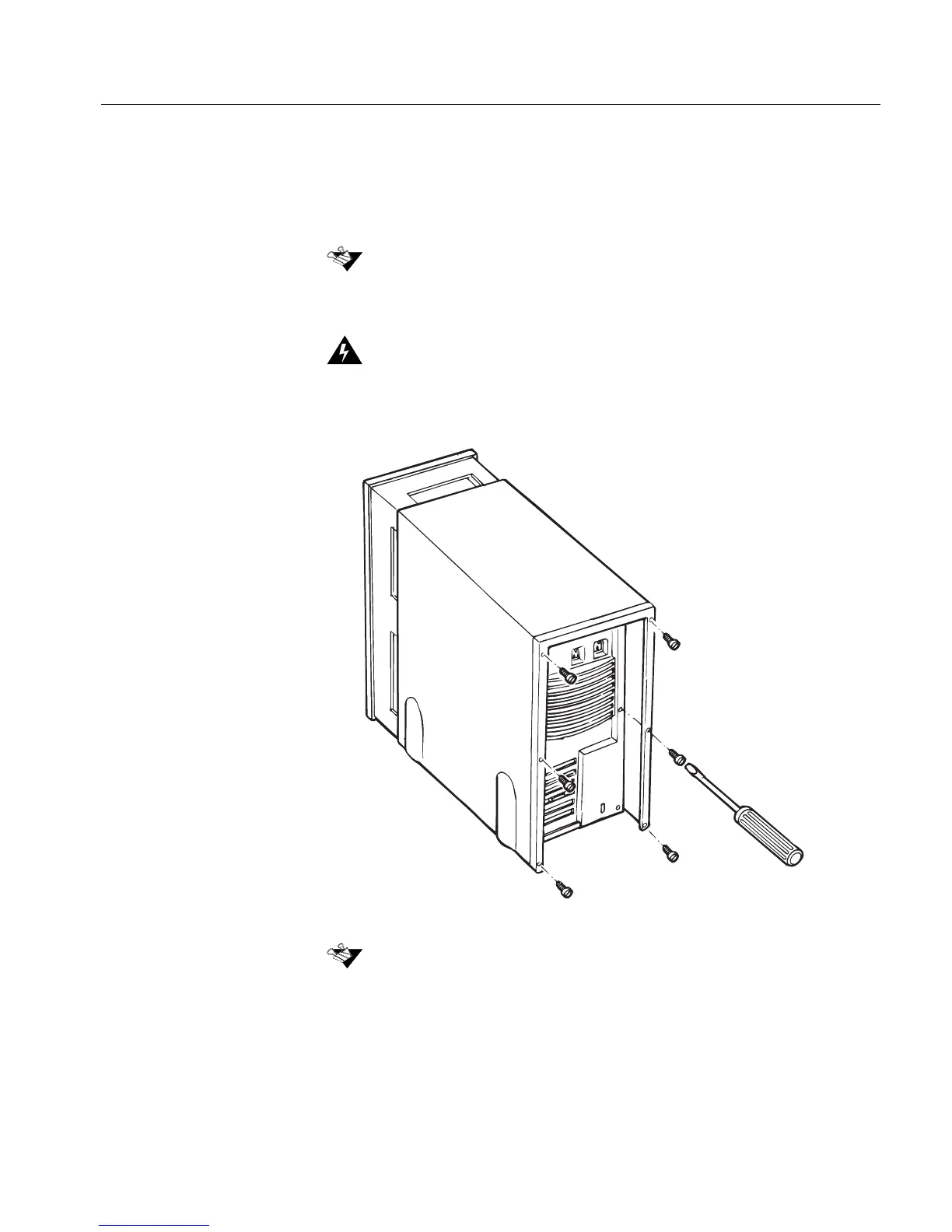
1. Remove the cover from your computer following the
manufacturer’s instructions.
Consult your System Administrator before starting the SCSI board installation
process.
Before starting, switch OFF the computer, and disconnect the power cord. Then,
ground yourself by touching an unpainted surface of the computer case.
The above illustration is a general description of removing a computer cover.



 To Next Page