36 Chapter 5 SCSI Configuration
2.
2.2.
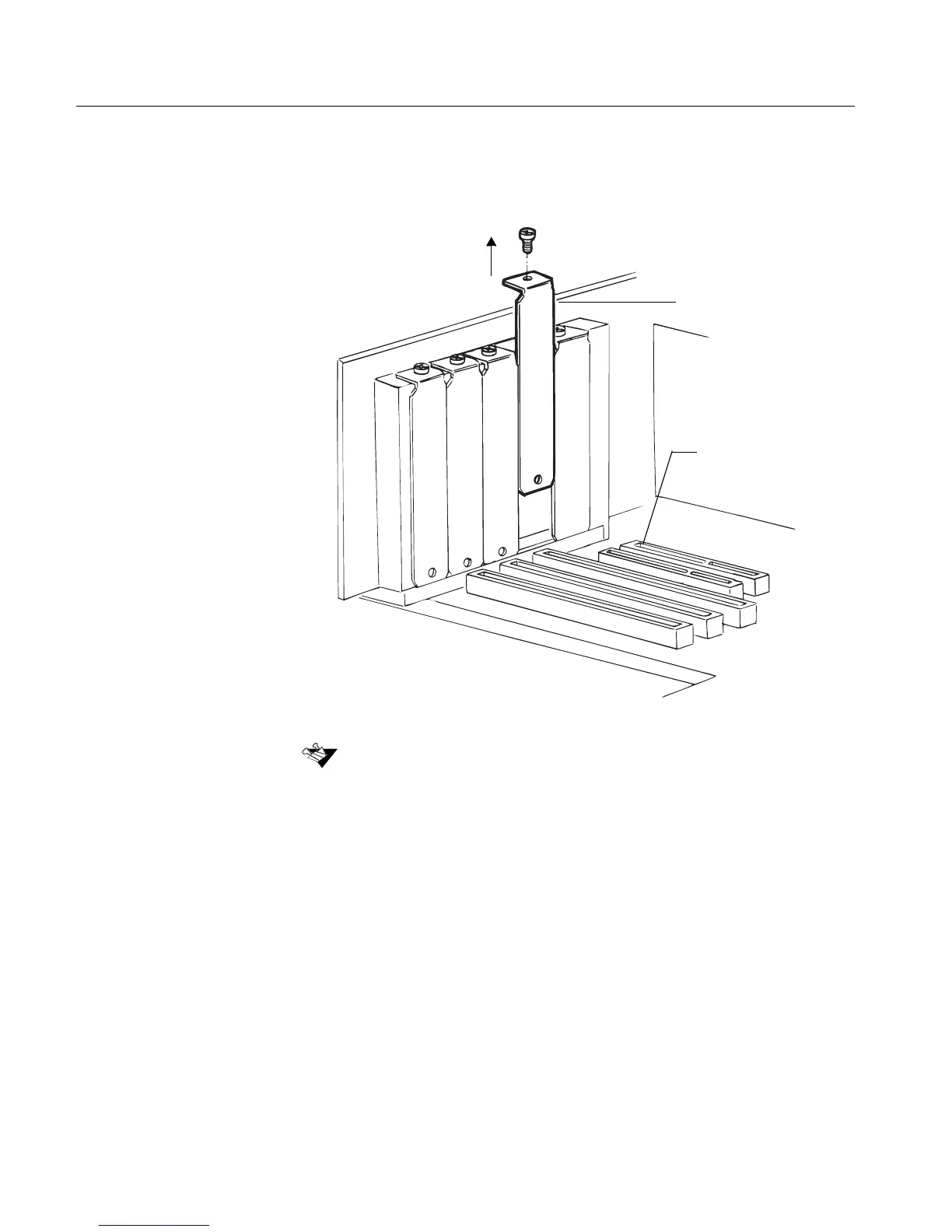
2. Locate an unused PCI expansion slot (typically white or ivory) and
remove the expansion slot cover screw. Then remove the
expansion slot cover. Save the slot cover screw for use in Step 5.
Computers may have vertical or horizontal expansion slots. Refer to your
computer manual to locate the PCI slots.
Expansion
slot cover
PCI Expansion
slot



 To Next Page