72 Chapter 7 Utilities
7.3 Scanner Checks
The Scanner Checks utility checks the scanner modules and optics.
You are required to activate this utility only when a scanner
operational problem arises.
To activate this utility:
1.
1.1.
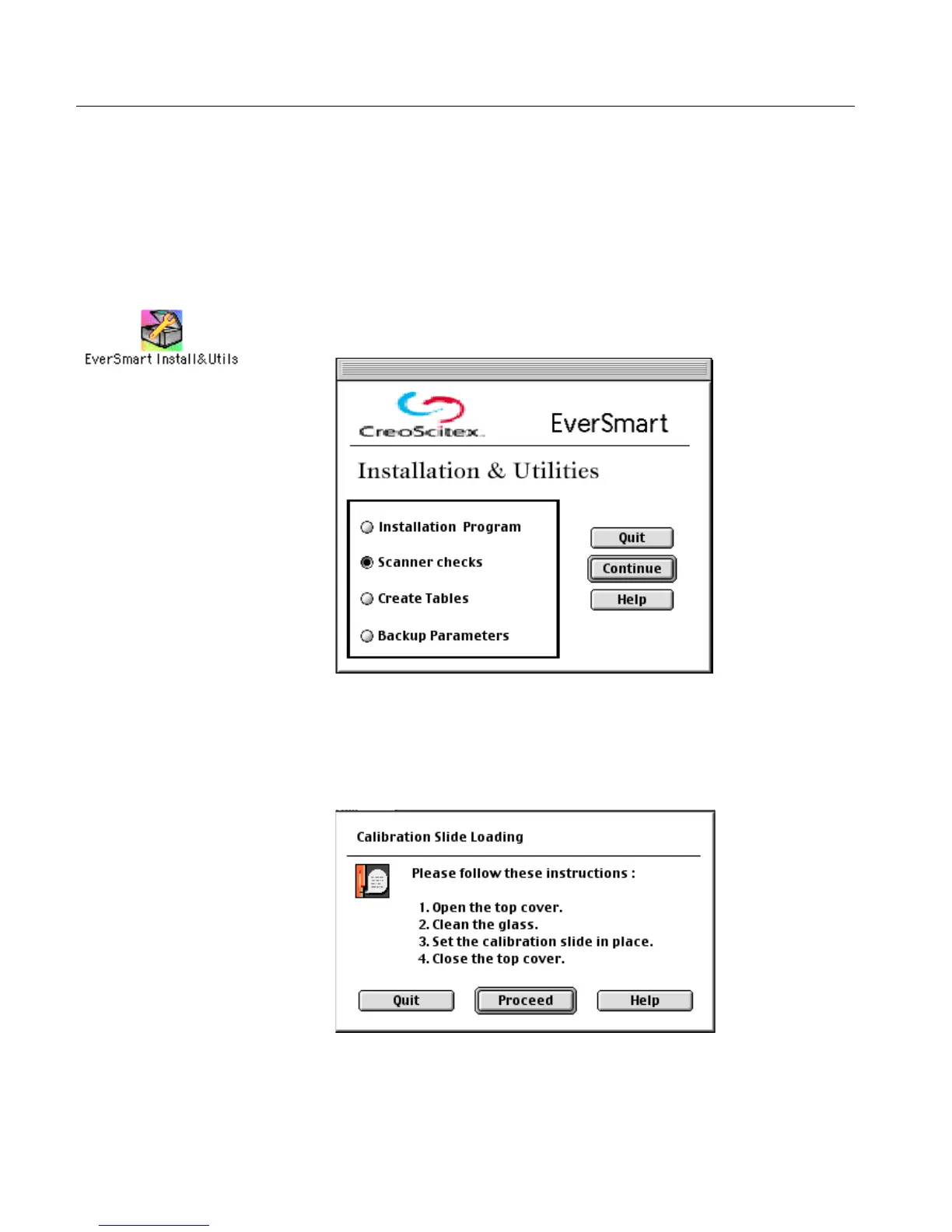
1. Double-click the EverSmart Install&Utils icon. In the window that
is displayed, select Scanner Checks.
2.
2.2.
2. Click Continue; a message window is displayed instructing you to
clean the glass and place the calibration slide on the scanner.
See the cleaning instructions in Section Stage 4 - Prepare the Scanner on
page 51.



 To Next Page