70 Chapter 7 Utilities
7.2 Custom Install
(accessed via the Installation Program item)
The Custom Install utility is used to perform a partial scanner
installation.
To perform a custom installation, perform the following:
1.
1.1.
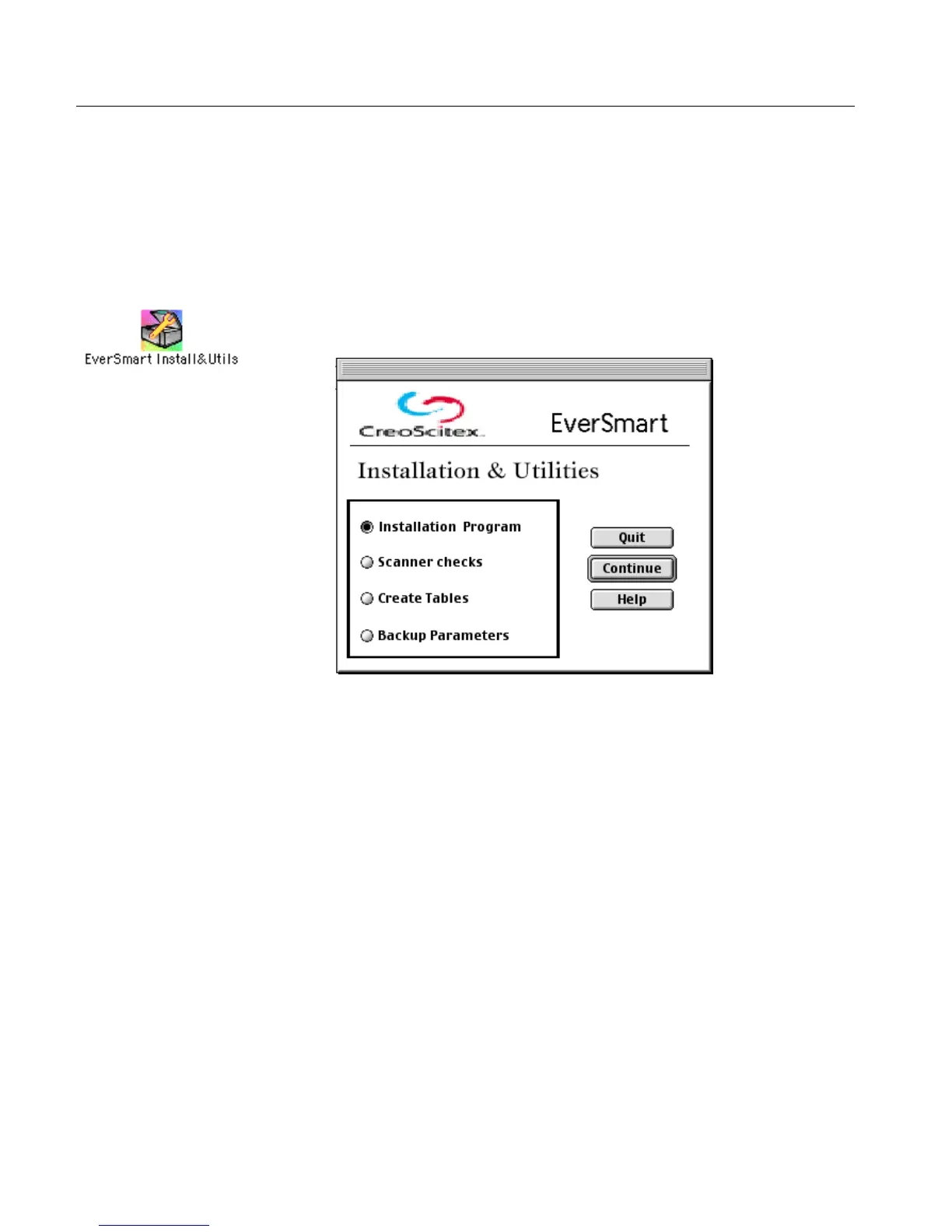
1. Double-click the EverSmart Install&Utils icon. In the window
that is displayed, select the Installation Program option.
2.
2.2.
2. Click Continue.



 To Next Page