Lamp Replacement 83
8.1.1 Replacing the Transparency Lamp
The transparency fluorescent lamp is located inside the scanner top
cover.
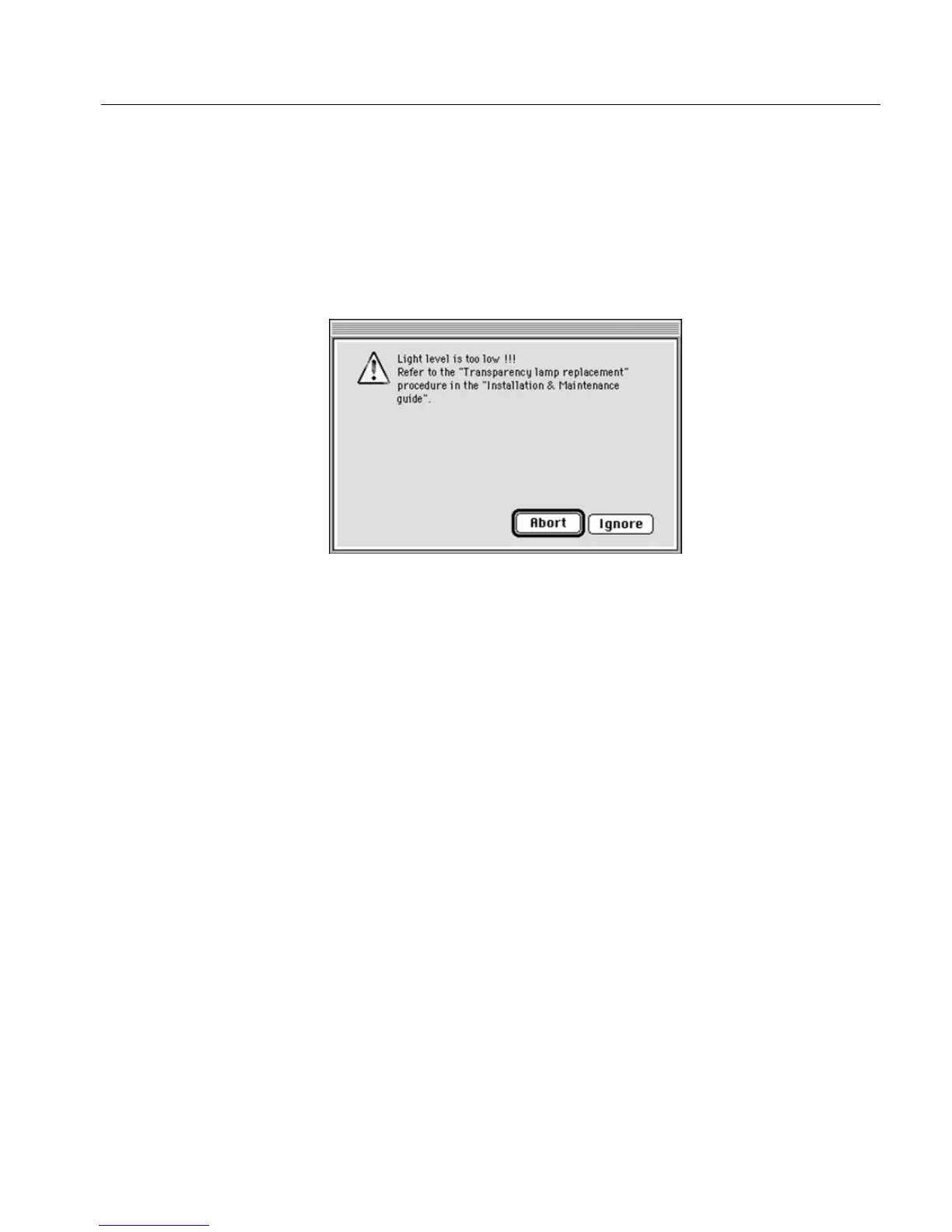
Light level is too low
The following message is displayed on the screen.
To exit the message window, perform one of the following:
Click Abort; the scanner application quits. Replace the defective
lamp (see the following instructions),
or
Click Ignore, and continue with the pre-scan/scan. Replace the
defective lamp when you have completed your work.
Lamp does not light up
The transparency lamps always light up a few seconds after the scanner
is switched on.
To confirm that a lamp needs replacing, switch the system OFF
and ON again.
If the lamp does not light up after 15 seconds, replace the lamp and
try again.



 To Next Page