22 Chapter 4 Software Installation
4.1 Installation Procedure
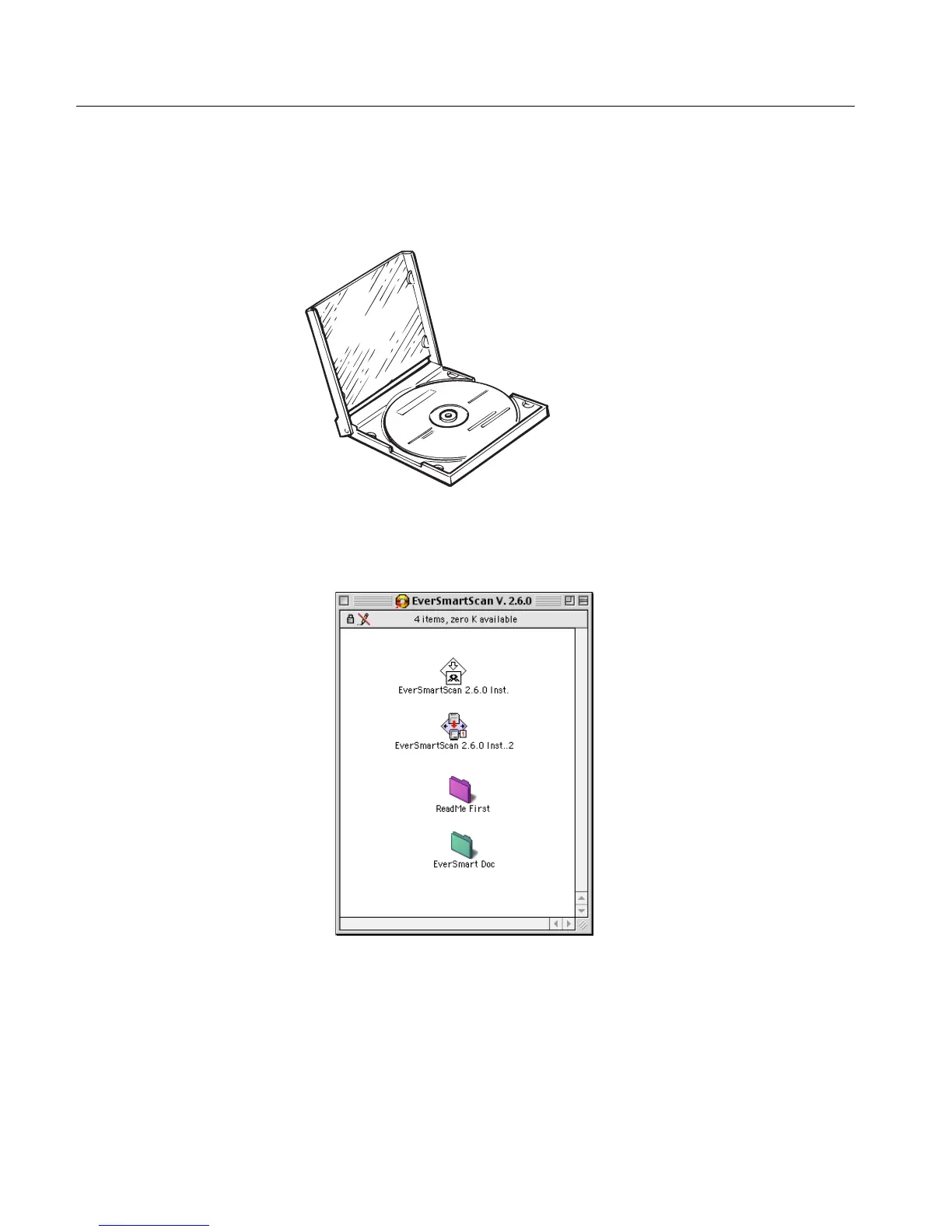
The EverSmart software is provided on a CD located in the Installation
kit package.
To install the software:
1.
1.1.
1. Insert the CD into the CD ROM drive, and double-click the
EverSmart oXYgen/v.3.0 icon; the following window is displayed.
See Appendix C Documentation Folder on page 129 for instructions on how to
install and use the documentation located in the Documents folder.



 To Next Page