58 Chapter 6 Installation Program
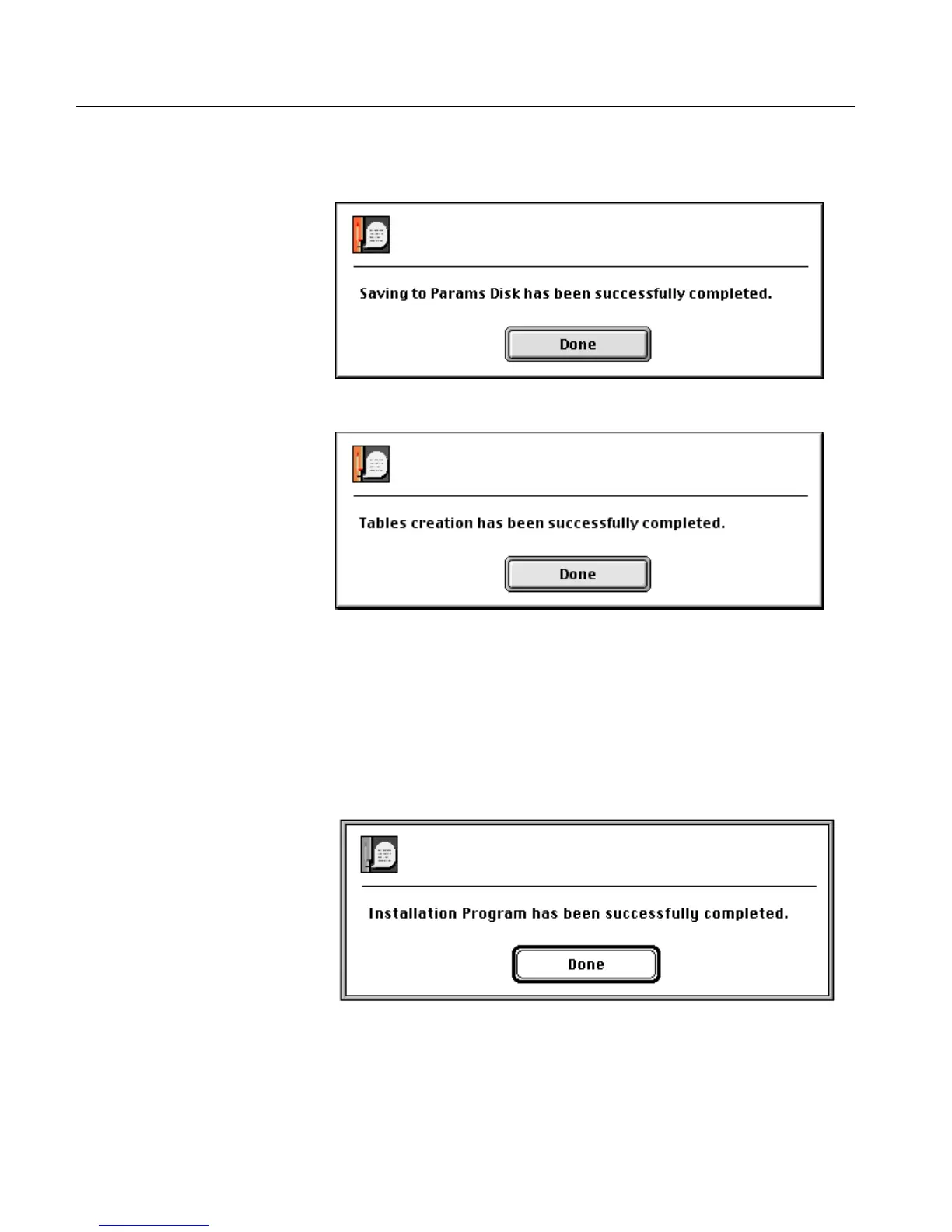
Insert a diskette; a message window is displayed confirming that
the saving has been successfully completed.
Click Done; the following message is displayed.
Click Done to return to the Installation&Utilities window.
6.9 Stage 9 - Quit Installation
After the tables are copied to the media, a message window is
displayed confirming that the installation has been successfully
completed.



 To Next Page