Troubleshooting for the Installation & Utilities Program 65
Solution
Click Continue to continue with the installation program.
If the Continue button is disabled, click Quit to exit to the main
screen, and contact your service center.
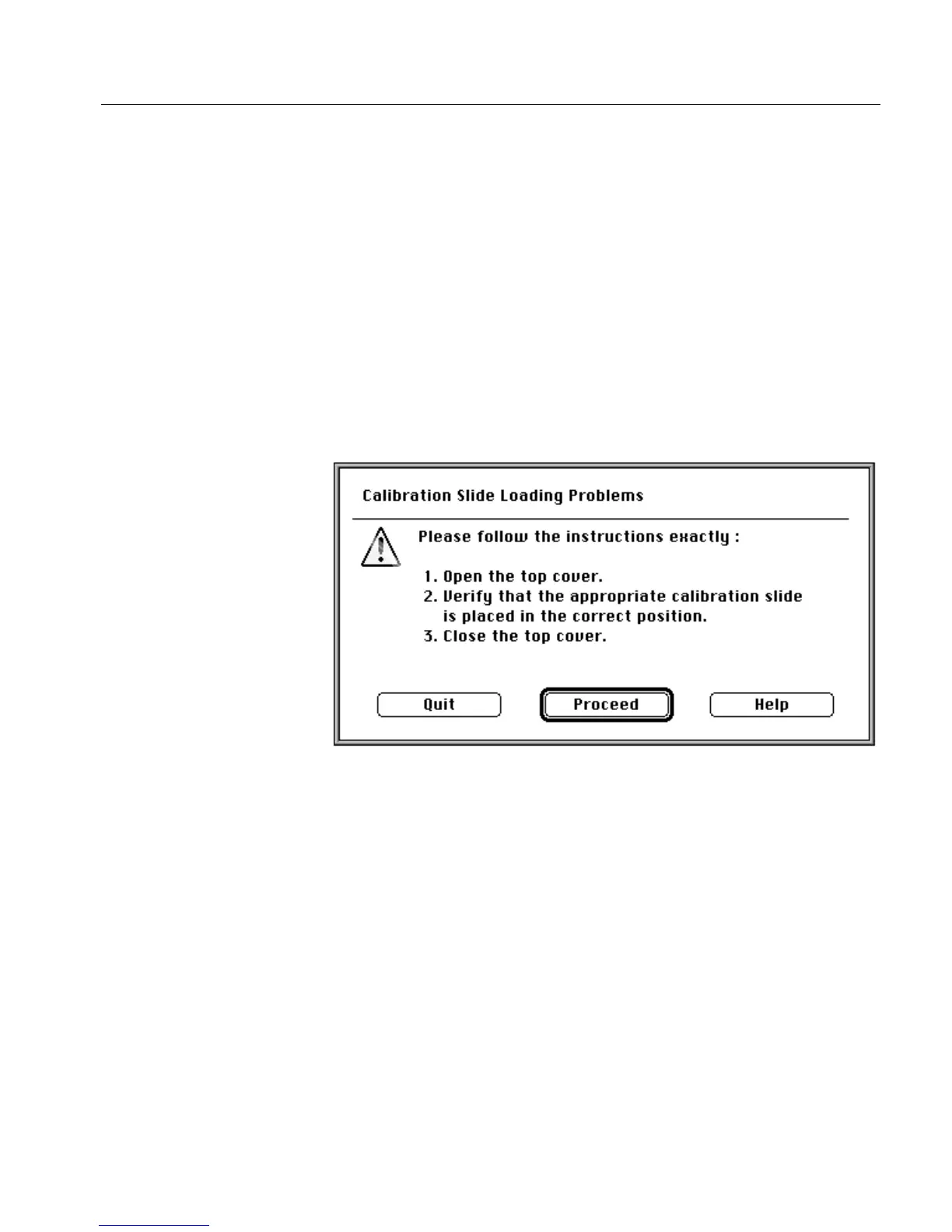
6.10.6 Calibration Slide Incorrectly Placed
Problem
The scanner verifies that the calibration slide has been placed on the
scan carriage, and is inserted correctly. If this test fails, the displayed
message requests that you place the calibration slide correctly.
Solution
Follow the instructions in the screen, and click Proceed.
Refer to the figures in Stage 4 - Prepare the Scanner on page 51 for the
correct way to place the calibration slide.



 To Next Page