EverSmart Scan Log Folder 79
7.6 EverSmart Scan Log Folder
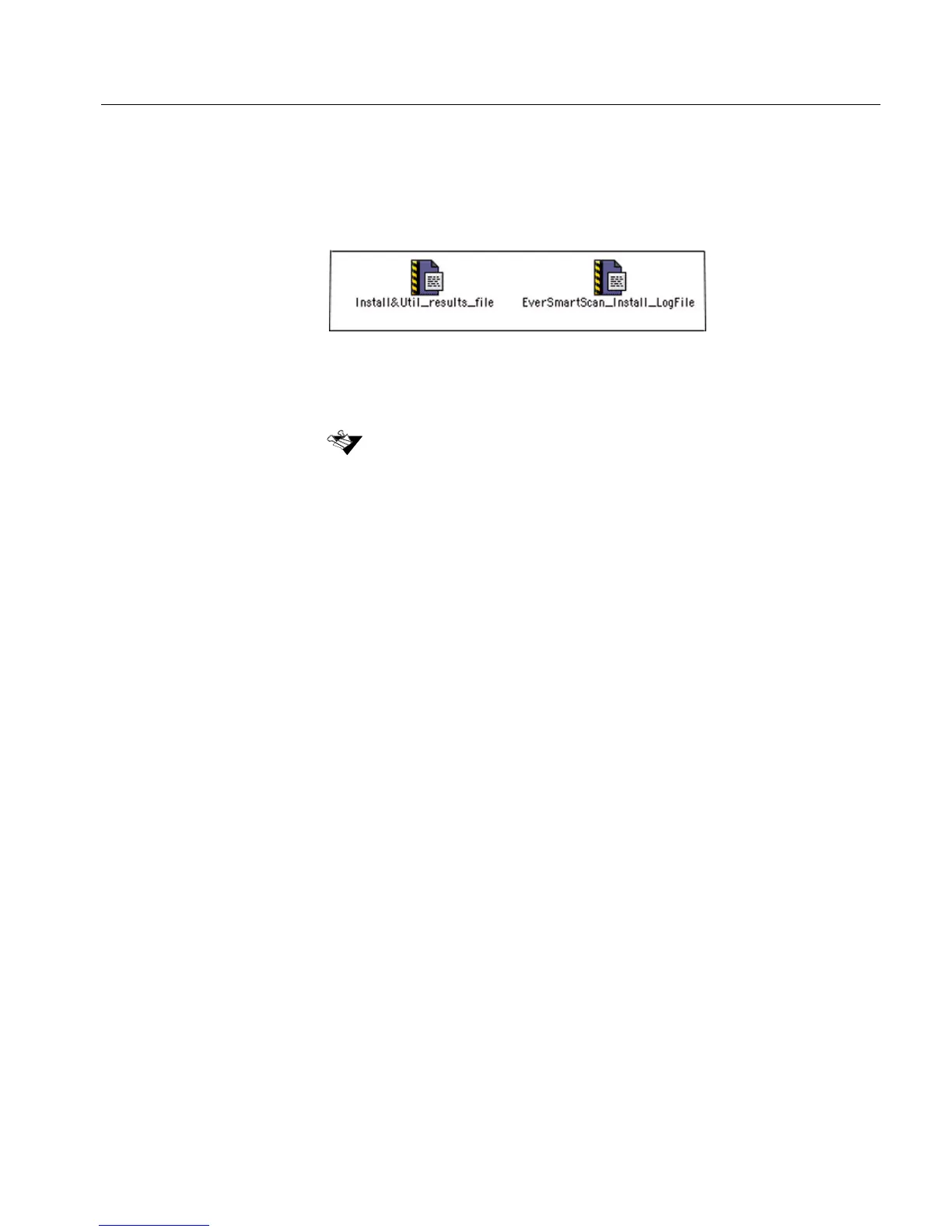
EverSmart activity is automatically recorded in the
Install&Util_results_file and EverSmart_Install&Util_LogFile.
These files are located in the EverSmart Scan_Log Folder, and contain
text information concerning the test results and descriptions of the test
processes.
You may need to use the information stored in these files. For example,
if you have to report to your service center, they will want to receive a
copy of this log folder.
You can send the log folder in one of the following ways:
• Open the modem communication with your service center. The
service engineer can then open the files.
• Print the files in the folder and fax them to your service center.
(The files can be opened with most word processors.)
• Copy the folder to a diskette, and send the diskette to the
service center.
When you run the scanner application from the folder created during installation,
the EverSmart Scan Log folder is automatically created in the same folder. All
log files are written to this log folder. If, for any reason, you moved the
application, a new EverSmart Scan Log folder is created in the new location.



 To Next Page