78 Chapter 7 Utilities
2.
2.2.
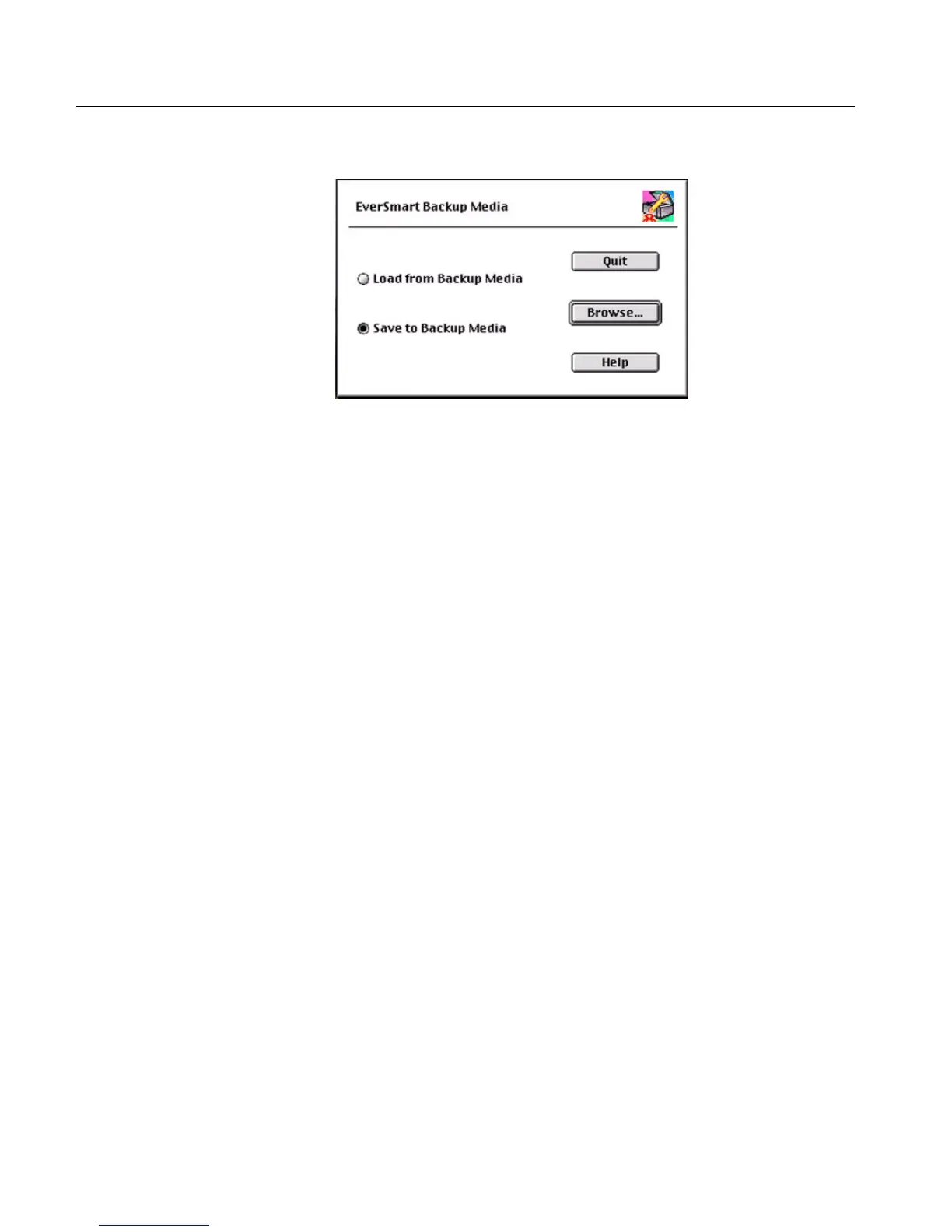
2. Click Continue; the following window is displayed.
3.
3.3.
3. Select one of the following options:
• Load from Backup Media to overwrite the parameters on the
computer with those of the media. This option enables faster
installation (when previous parameters are to be used).
• Save to Backup Media to save the parameters on the computer
or to a backup media.
4.
4.4.
4. Select Browse to set media or required destination, and follow the
instructions that appear on the screen.
At the end of the process, a completion message is displayed on the
screen.
Results file
Upon completion of the backup procedure, the results are written to the
file Install&Util_results_file.
See Stage 8 - Backup to Diskette or External Media on page 56.
For an explanation of this file, refer to EverSmart Scan Log Folder on page 79.



 To Next Page