Documentation Folder 131
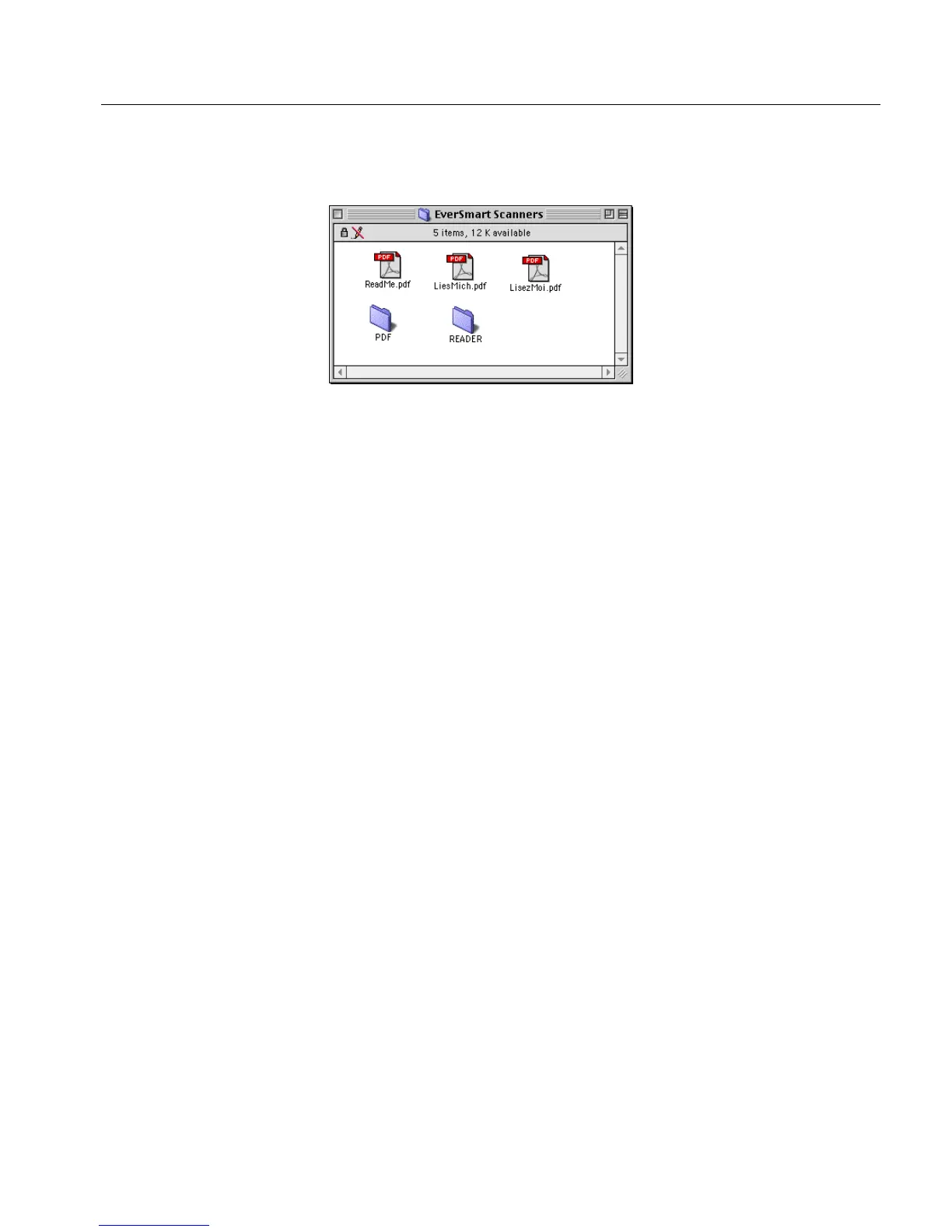
The EverSmart Scanners folder contains the following files and
subfolders:
• The ReadMe file (in three languages) that contain the contents of
this document
• The PDF folder that contains the Readme file, and all the manuals
in PDF format
• The Reader folder that contains the Reader and Search folders
The manuals are in Adobe Acrobat PDF file format. In order to view or
print these files you must have the Adobe Acrobat Reader installed.
Installation instructions are provided below.
C.1.1 System Requirements for Using the Documentation
Adobe Acrobat Reader with Search for Macintosh and Power Macintosh
Minimum Requirements:
• Macintosh with a 68020 or greater processor, or Power
Macintosh
• 3.5 MB of RAM (5 MB for Power Macintosh) available to
Acrobat Reader
• Apple(R) System Software version 8.5 or later
Recommended Requirements:
• 8 MB of available RAM
• 12.5 MB of available hard-disk space



 To Next Page