64 Chapter 6 Installation Program
Solution
Click Stop to quit the Installation & Utilities program.
Switch OFF the scanner and the computer.
Check all SCSI connections: cables, terminators, and
configuration.
Run the Installation & Utilities program again.
6.10.5 Diagnostics Check Failure
Problem
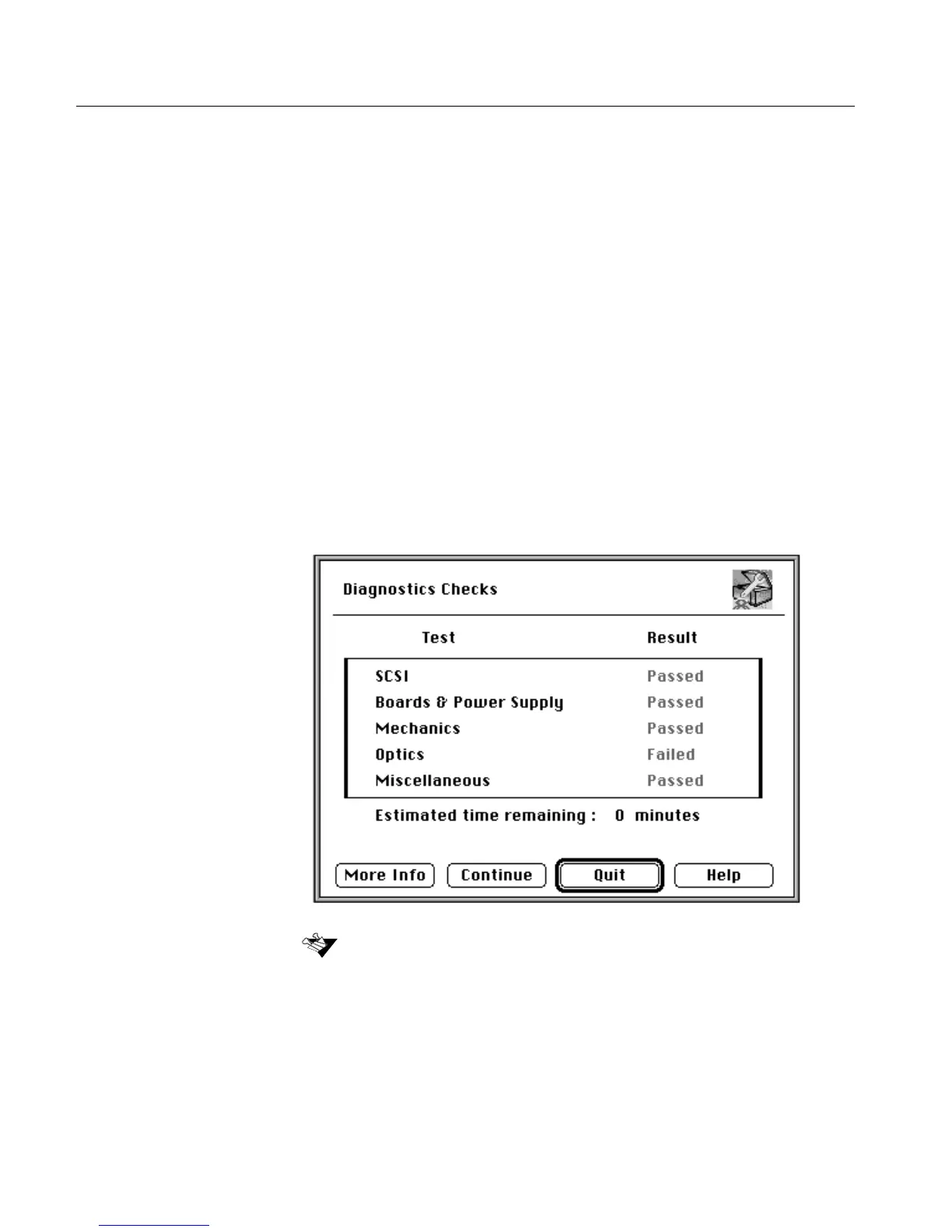
If any of the scanner hardware does not pass the diagnostics check, a
fail message is displayed in the Diagnostics Checks window.
For more details, refer to SCSI Communication Problems on page 112.
Click More Info to obtain additional information about the test failure.



 To Next Page