8 Chapter 2 Unpacking
2.1 Unpacking Procedure
The first stage in the installation procedure is to unpack your
EverSmart scanner, and place it on the table. This chapter describes
how to open the package and unpack the scanner.
Unpacking the scanner involves the following steps:
• Opening the box that contains the scanner.
• Lifting the scanner up, and placing it on a table.
• Checking the accessories.
• Saving the packing materials for future use.
To unpack the scanner:
1.
1.1.
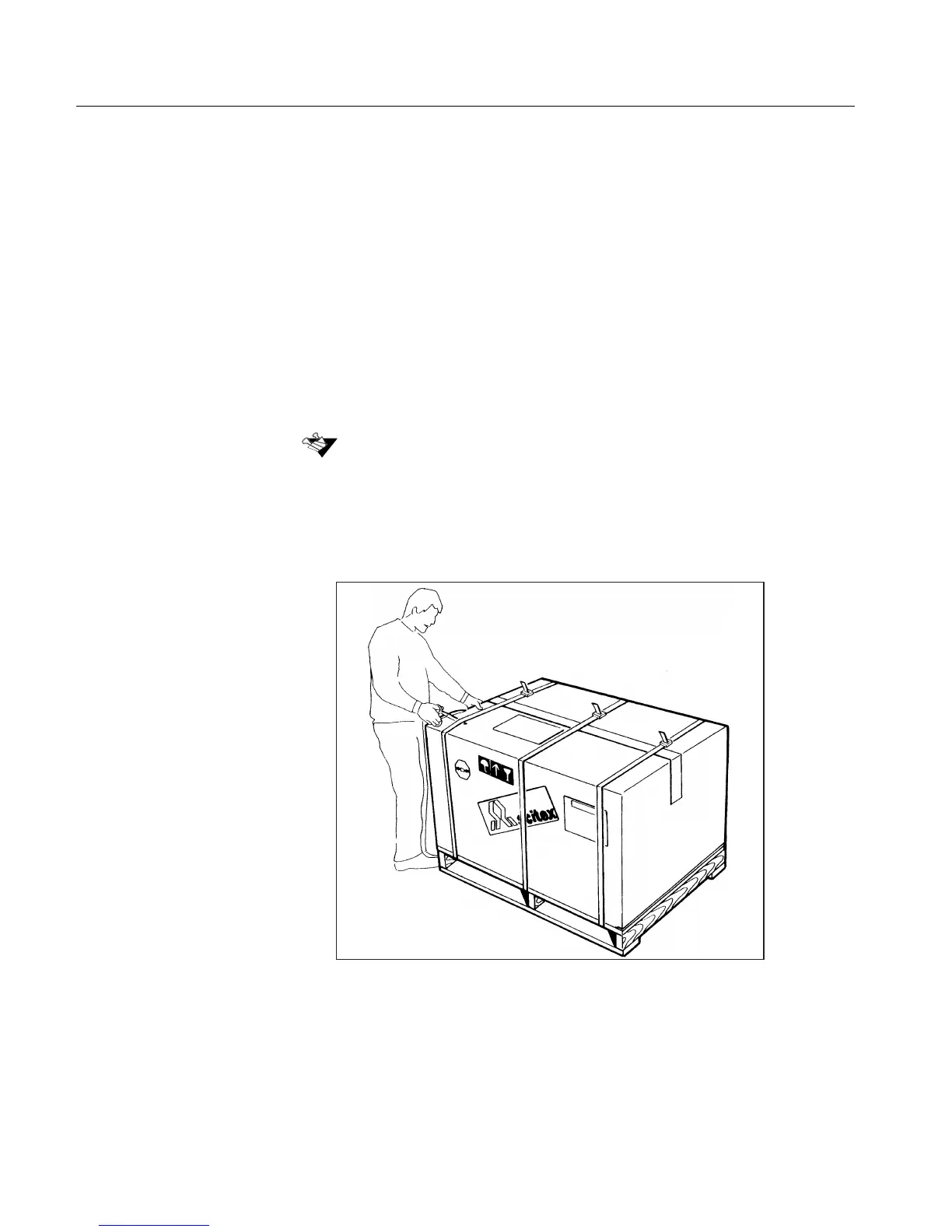
1. Cut the plastic straps carefully. Open the carton top.
Important: If the package is damaged in any way, contact your service center.
Do not proceed with the installation procedure.



 To Next Page