88 Chapter 8 Maintenance
9.
9.9.
9. Open the top cover.
10.
10.10.
10. Screw the four screws at the upper corners of the top cover.
11.
11.11.
11. Switch the scanner ON, and verify that the new lamp illuminates
after a few seconds.
8.1.2 Replacing the Reflective Lamps
The reflective lamps are located beneath the glass plate.
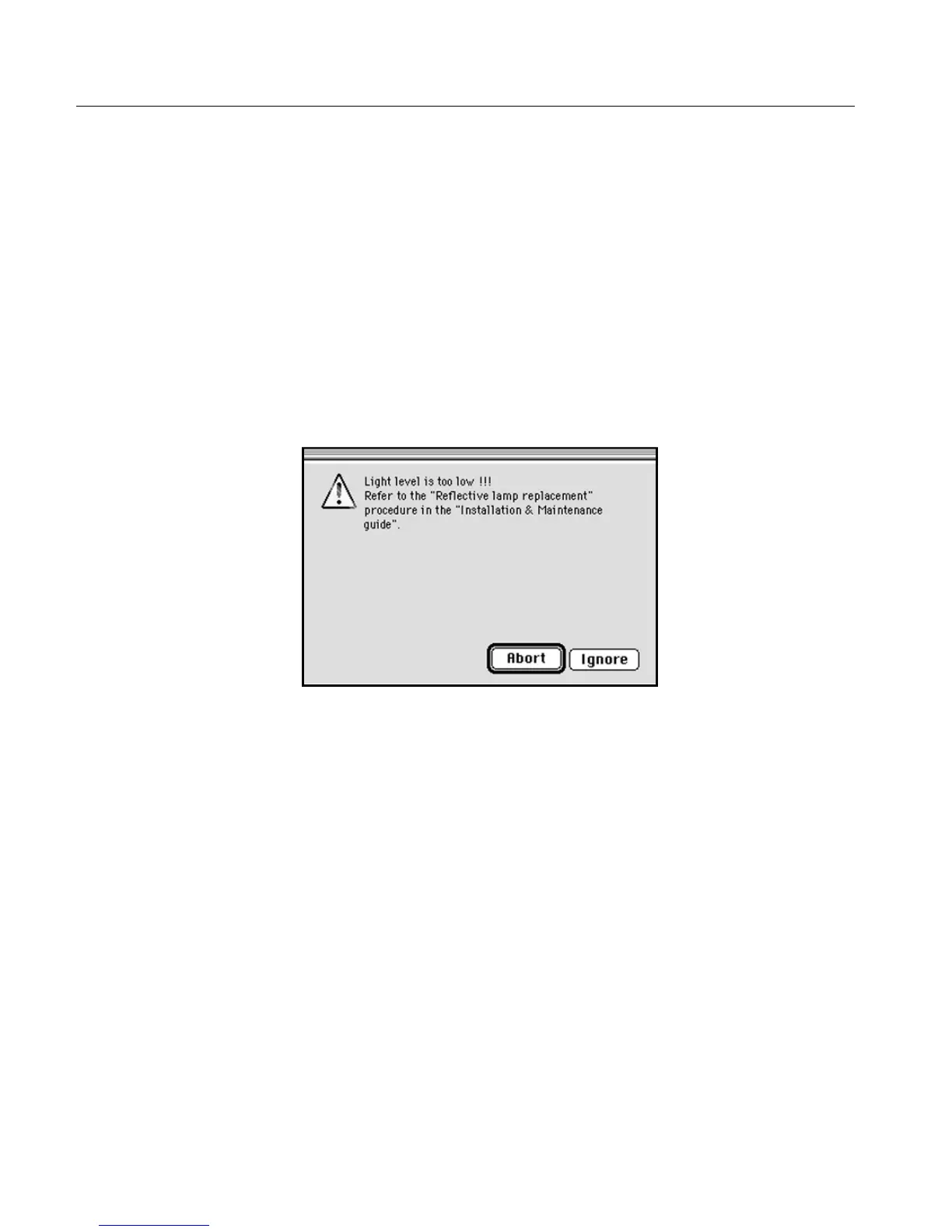
Light level is too low
The following message is displayed on the screen.
To exit the message window, perform one of the following:
• Click Abort; the scanner application quits. Replace both lamps,
according to the procedure outlined below
or
• Click Ignore, and continue with the pre-scan/scan. Replace the
lamps when you have completed your work.



 To Next Page