20 Chapter 3 Powering On
3.4 Startup Troubleshooting
If the startup sequence is not completed successfully, one of the
following events will occur:
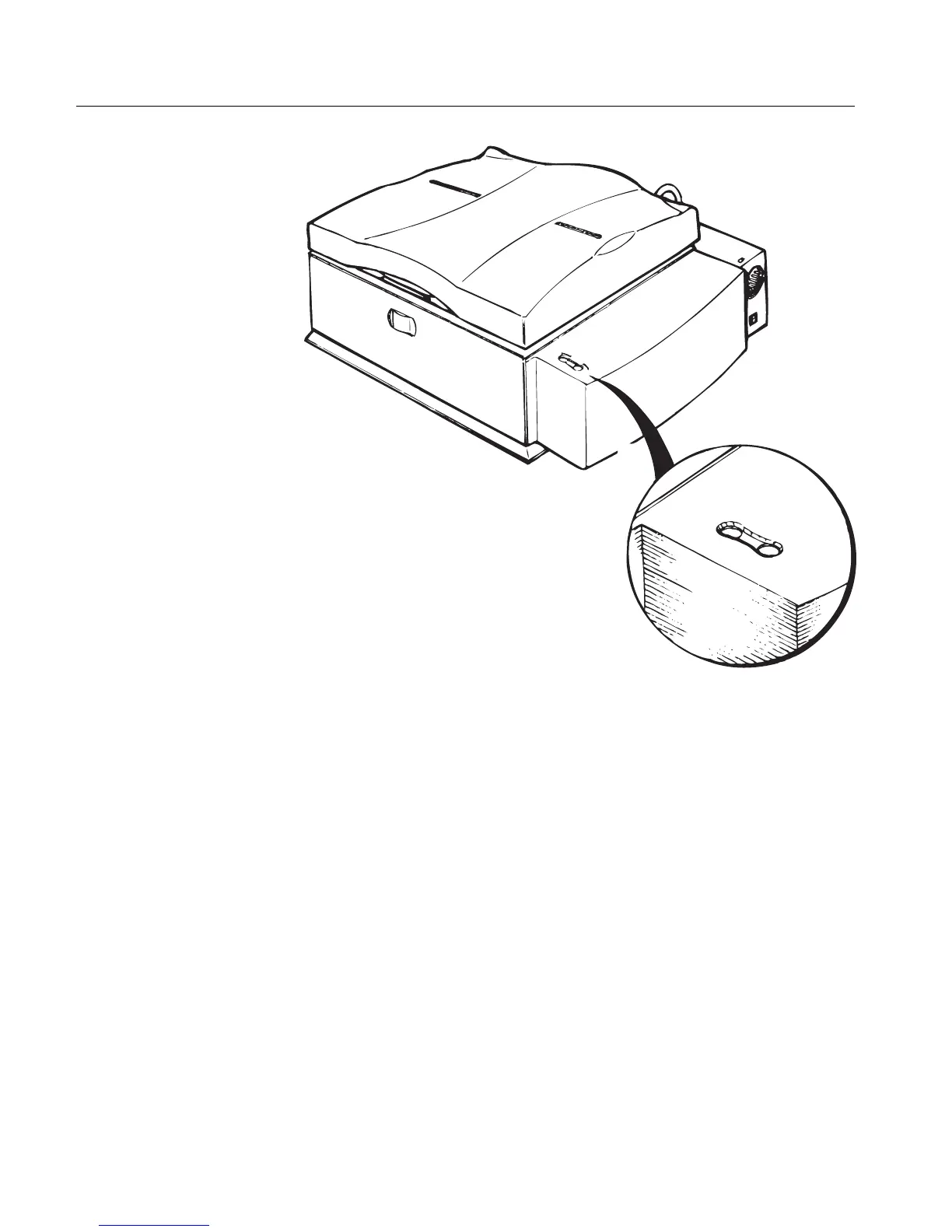
• The Status LED remains red (possible hardware fault).
• The Status LED remains blinking red (a safety switch was
activated; see Chapter 9 General Troubleshooting on page 109).
• The Status LED remains blinking green (missing software
diagnostics, which may be loaded after installation; applies only to
EverSmart (Pro) scanners).
It is recommended to continue with the installation procedure even if
one of these events occurs. If the installation procedure is terminated
and cannot be continued, contact your service center.
S
T
A
T
U
S
L
I
G
H
T



 To Next Page