48 Chapter 6 Installation Program
In the EverSmart Installation window, all the Installation Stage
options are selected and unavailable.
8.
8.8.
8. Click Install to continue with the installation.
6.3 Stage 3 - Enter the Serial Number
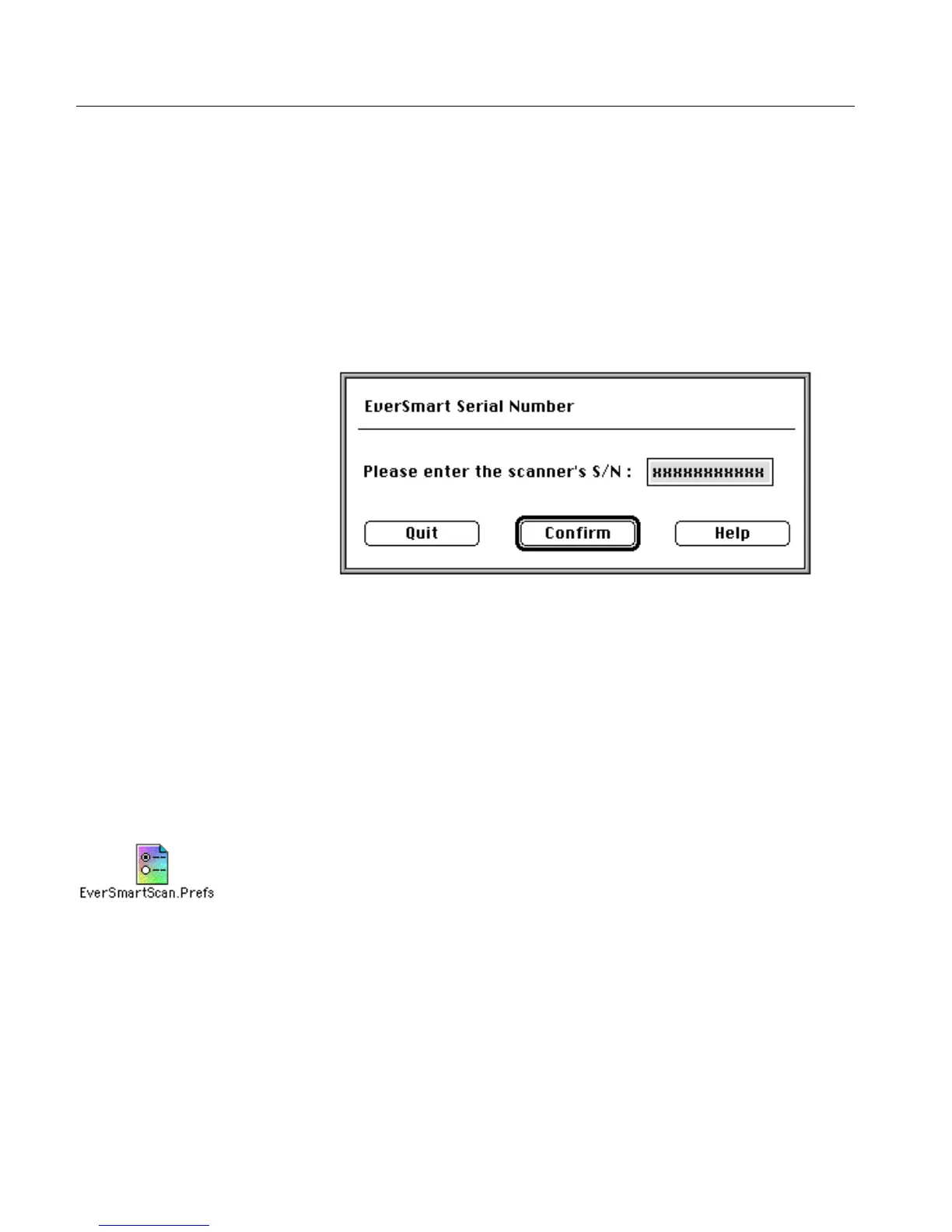
After a few seconds, the EverSmart Serial Number window is
displayed.
Enter the scanner serial number; the number appears in one of the
following locations:
• below the barcode, on the label, on the back of the scanner
• on the calibration slide
Each of the locations is shown in the illustrations on the following
pages. The number consists of combination of digits and characters,
for example, 9929-20116/01.
Click Confirm.
The scanner parameters are now automatically copied to the
EverSmartScan.Prefs file (located in the Preference folder which is in
the System folder).



 To Next Page