16 Chapter 3 Powering On
3.1 Powering on the Scanner
This chapter explains how to power on your EverSmart scanner.
To connect your EverSmart and power it on:
1.
1.1.
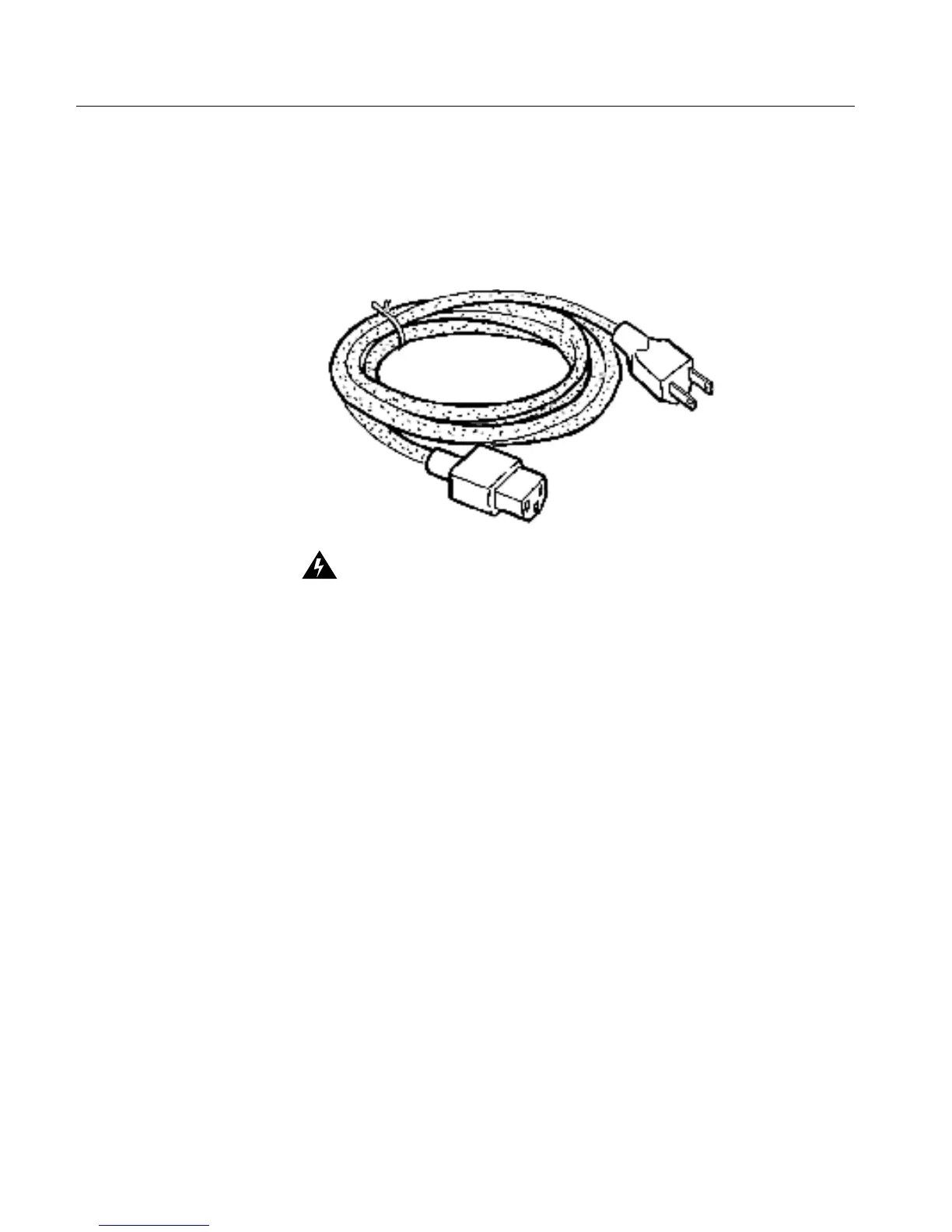
1. Locate the power cable in the installation kit.
Voltage
The input voltage selection is automatic, and requires no manual
setting. The scanner operates under a standard 100-120/200-240 VAC
main voltage.
The power cable is a North American type that complies with US and Canadian
requirements. In order to install a cord meeting European power requirements,
follow the instructions that are attached to the cable wrapping.



 To Next Page