74 Chapter 7 Utilities
6.
6.6.
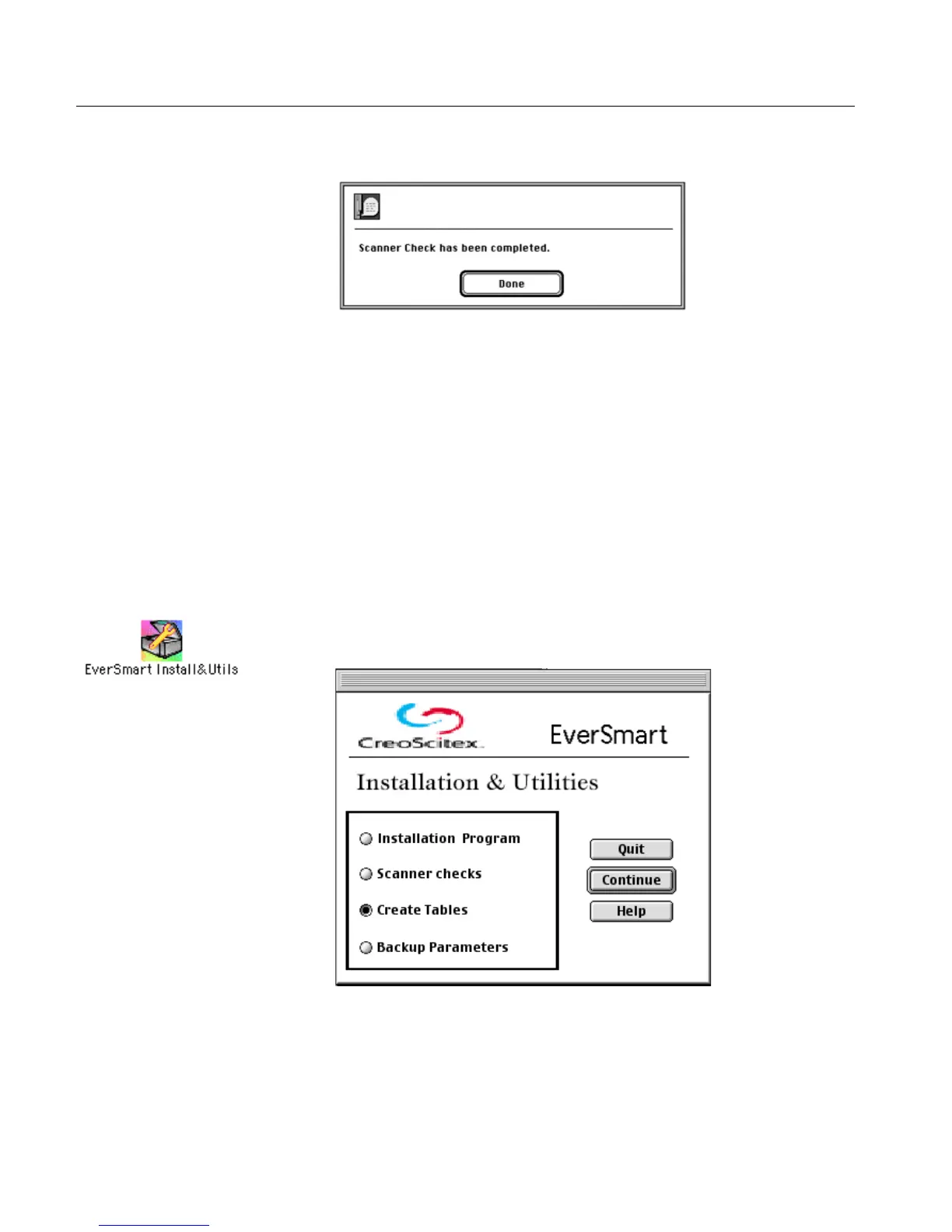
6. At the end of the process, the following message is displayed:
7.
7.7.
7. Contact your service center for help.
Results file
Upon completion of the Scanner Checks, the results are written to the
file Install&Util_results_file.
7.4 Create Tables
This option is used when tables need to be created.
1.
1.1.
1. Double-click the EverSmart Install&Utils icon. In the window that
is displayed, select Create Tables.
For an explanation of this file, refer to EverSmart Scan Log Folder on page 79.



 To Next Page