Create Tables 75
2.
2.2.
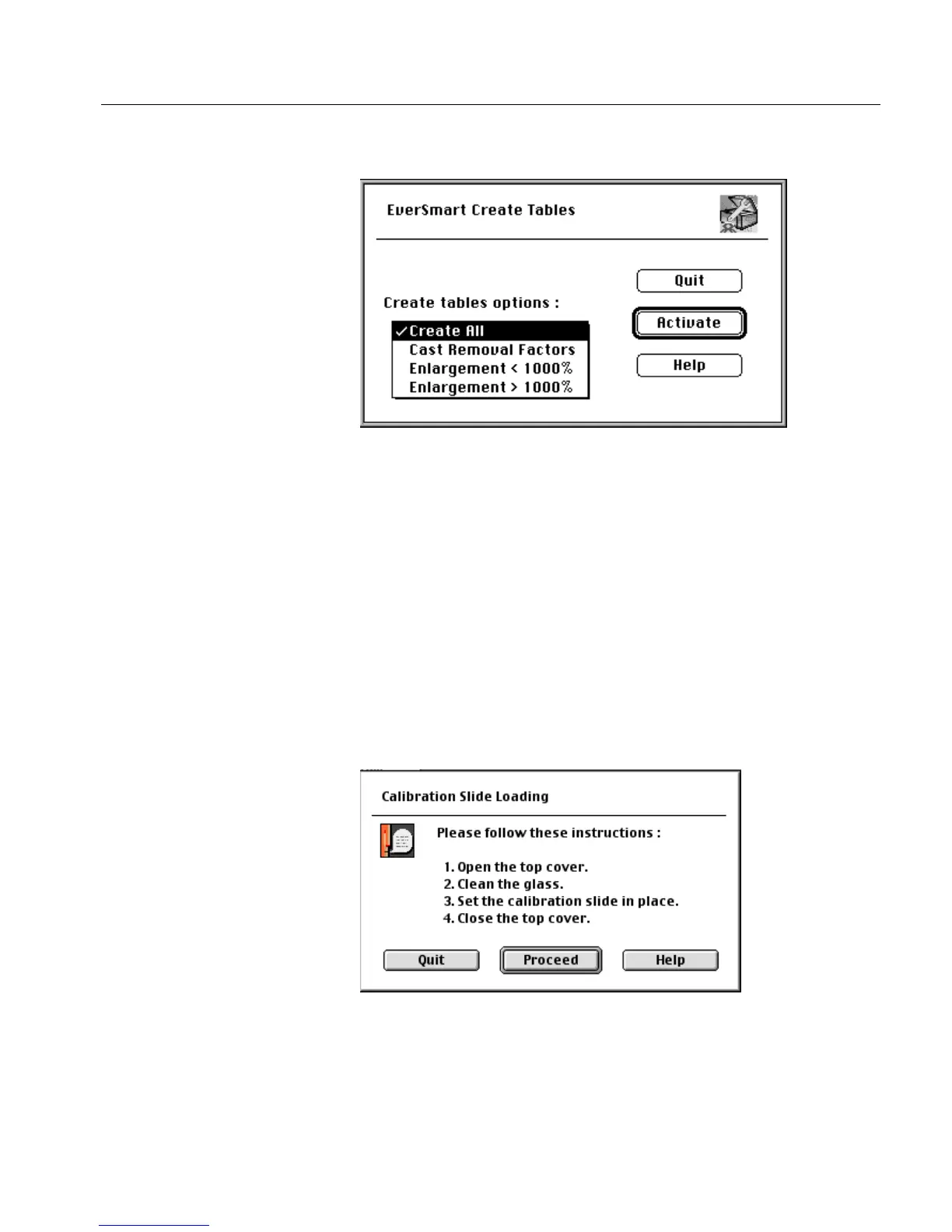
2. Click Continue; the following window is displayed.
You have four options in the Create Tables options list:
• Create All (the default option)
• Cast Removal Factors
• Enlargement < 1000%
• Enlargement > 1000%
Select the desired option, and click Activate.
A message window is displayed instructing you to clean the glass
and place the calibration slide on the scanner.
For cleaning instructions, refer to Section Stage 4 - Prepare the Scanner on
page 51.



 To Next Page