Scanner Checks 73
3.
3.3.
3. Follow the instructions, and click Proceed.
The Scanner Checks procedure continues automatically, with the
Diagnostics and Optics checks.
4.
4.4.
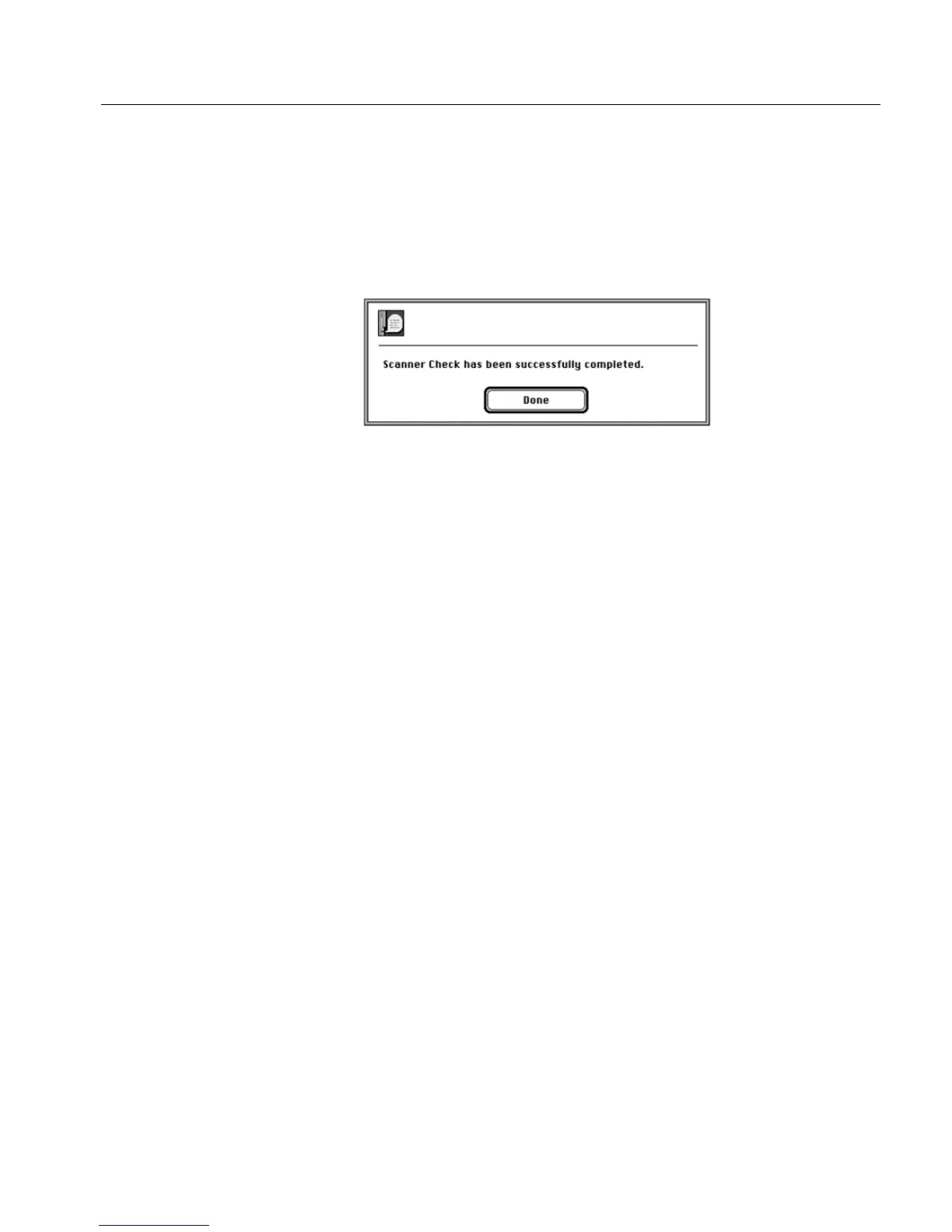
4. If the Diagnostics check and the Optics check pass successfully,
the following message is displayed.
5.
5.5.
5. If an error occurs during the Diagnostics or the Optics check,
in the error message that is displayed, click Continue. Test results
are written to a results file described EverSmart Scan Log Folder
on page 79.



 To Next Page