Custom Install 71
3.
3.3.
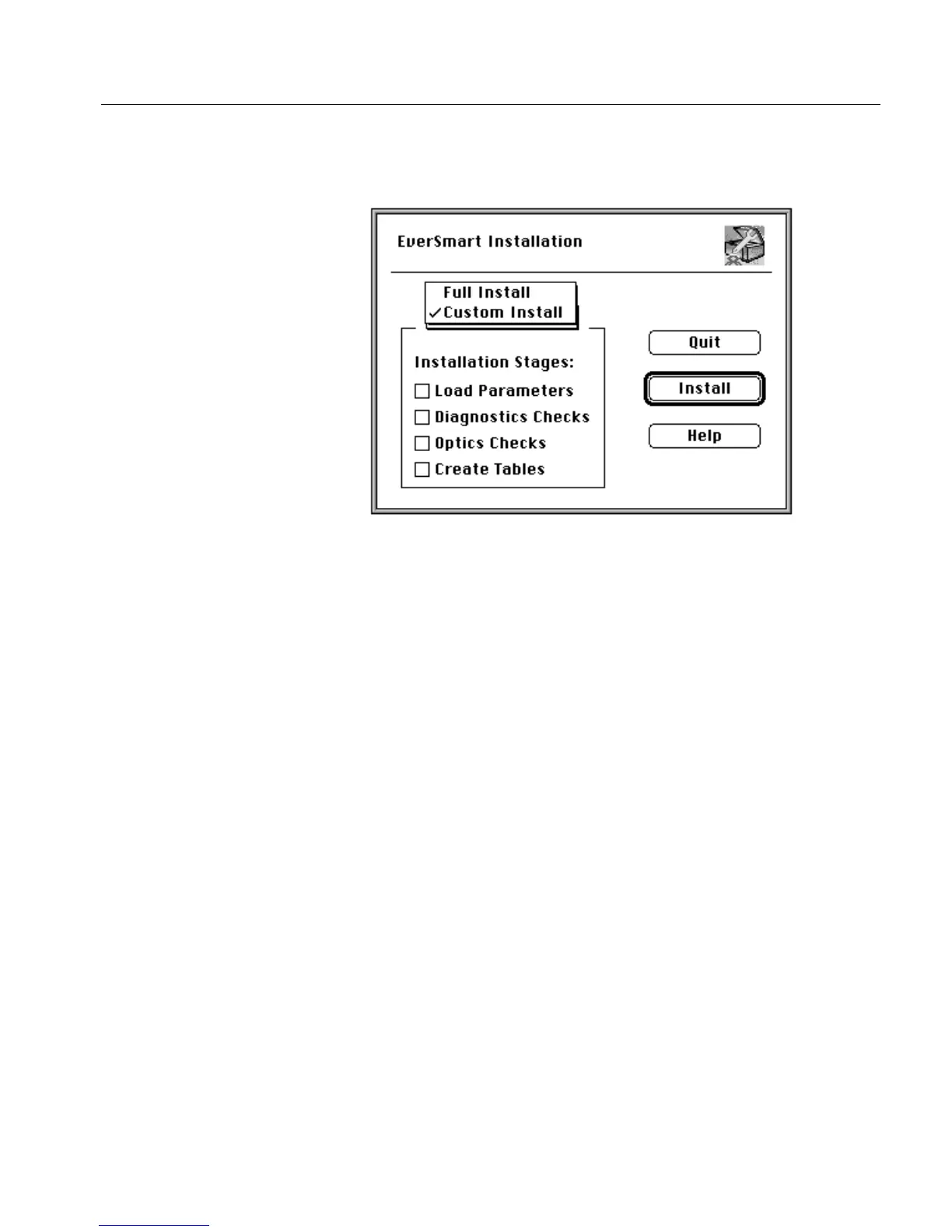
3. In the EverSmart Installation window that is displayed, select
the Custom Install option.
When you select Custom Install, the Installation Stage options are
enabled, and the check boxes are cleared.
The Installation Stages include the following:
4.
4.4.
4.
Select one or more options, and click Install.
The stages that you selected are executed automatically.
Results file
Upon completion of the Custom Install, the results are written to the
file Install&Util_results_file.
Load Parameters
Parameters are loaded into the computer from the
scanner.
Diagnostics Checks
Scanner hardware functions are tested and displayed.
Optics Check
Optic adjustment is tested.
Create Tables
New machine tables are created.
For an explanation of this file, refer to EverSmart Scan Log Folder on page 79.



 To Next Page