Lamp Replacement 95
Replacement Procedure
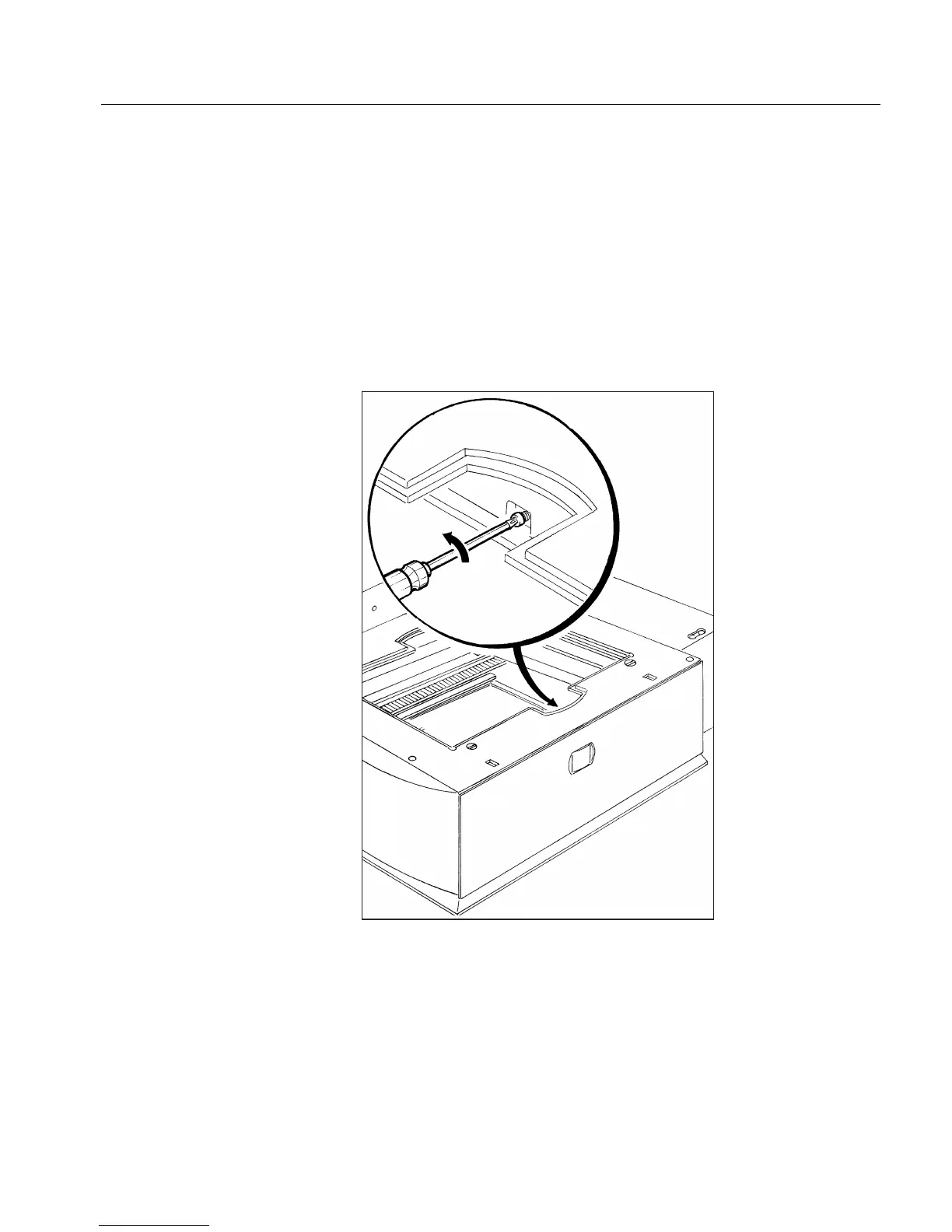
To remove the front panel of the scanner, do the following:
1.
1.1.
1. Remove the base glass.
2.
2.2.
2. Through the handle opening closest to the front panel side, open
the screw connecting the center of the front panel. After several
rotations, the screw springs out of its socket. There is no need to
remove the screw.
Refer to Replacing the Reflective Lamps on page 88.



 To Next Page