134 Application Log Files
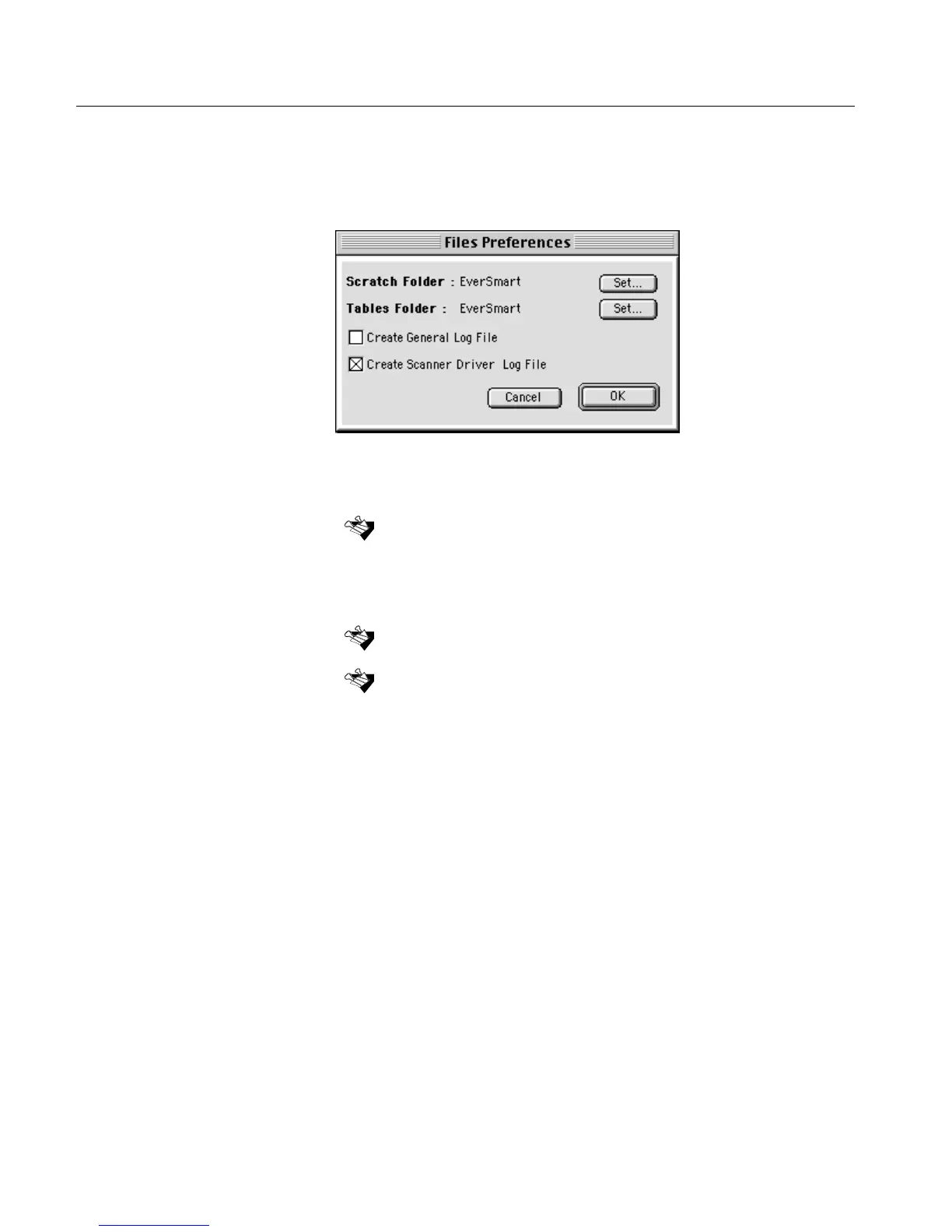
To create application log files:
1.
1.1.
1. In the scanner application, from the Setup menu, select Files under
General Preferences. The Files Preferences dialog box opens.
2.
2.2.
2. Select the Create Scanner Driver Log File check box.
3.
3.3.
3. Continue scanning.
4.
4.4.
4. Send the created EverSmart Scan_Log Folder to your service
center.
After the final scan, the application log files will be created in the EverSmart
Scan_Log Folder.
Every time you enter the scanning application, existing application log files
are erased and new application log files are created instead.
Important: If the scanner application problem was solved, it is
recommended you uncheck the Create Scanner Driver Log File check box
in the Files Preferences dialog box.



 To Next Page