Unpacking Procedure 11
6.
6.6.
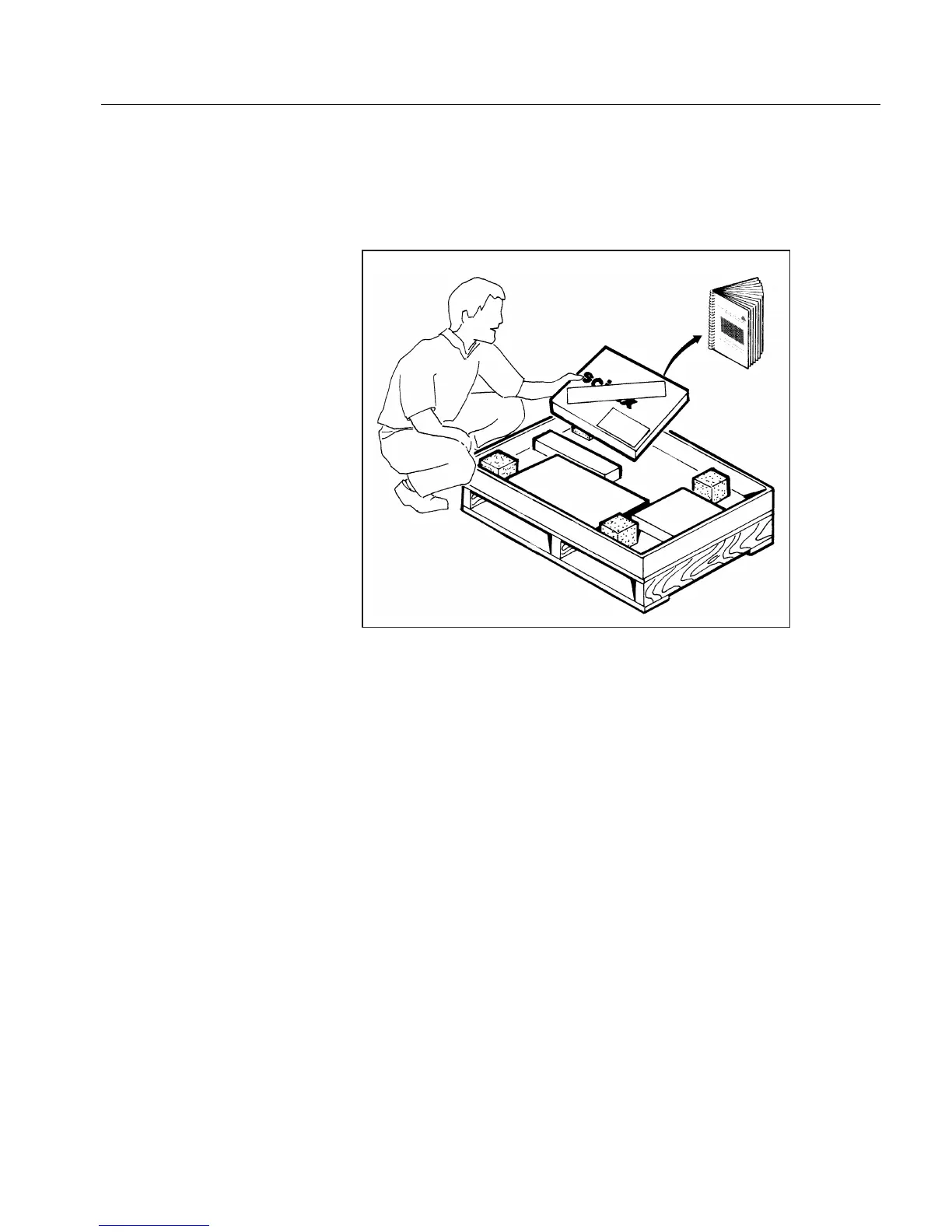
6. Open the Installation Kit carton which contains everything
required for proper scanner installation. To install the scanner,
follow the instructions in the following chapters of this EverSmart
Scanners Installation & Maintenance manual.
7.
7.7.
7. Remove the accessory packages.
8.
8.8.
8. The following section lists the contents of the installation kit. The
installation procedure continues with Unlocking Screws &
Removing Packing on page 13, after the next section.
(1) OPEN ME FIRST



 To Next Page