14 Chapter 2 Unpacking
2.
2.2.
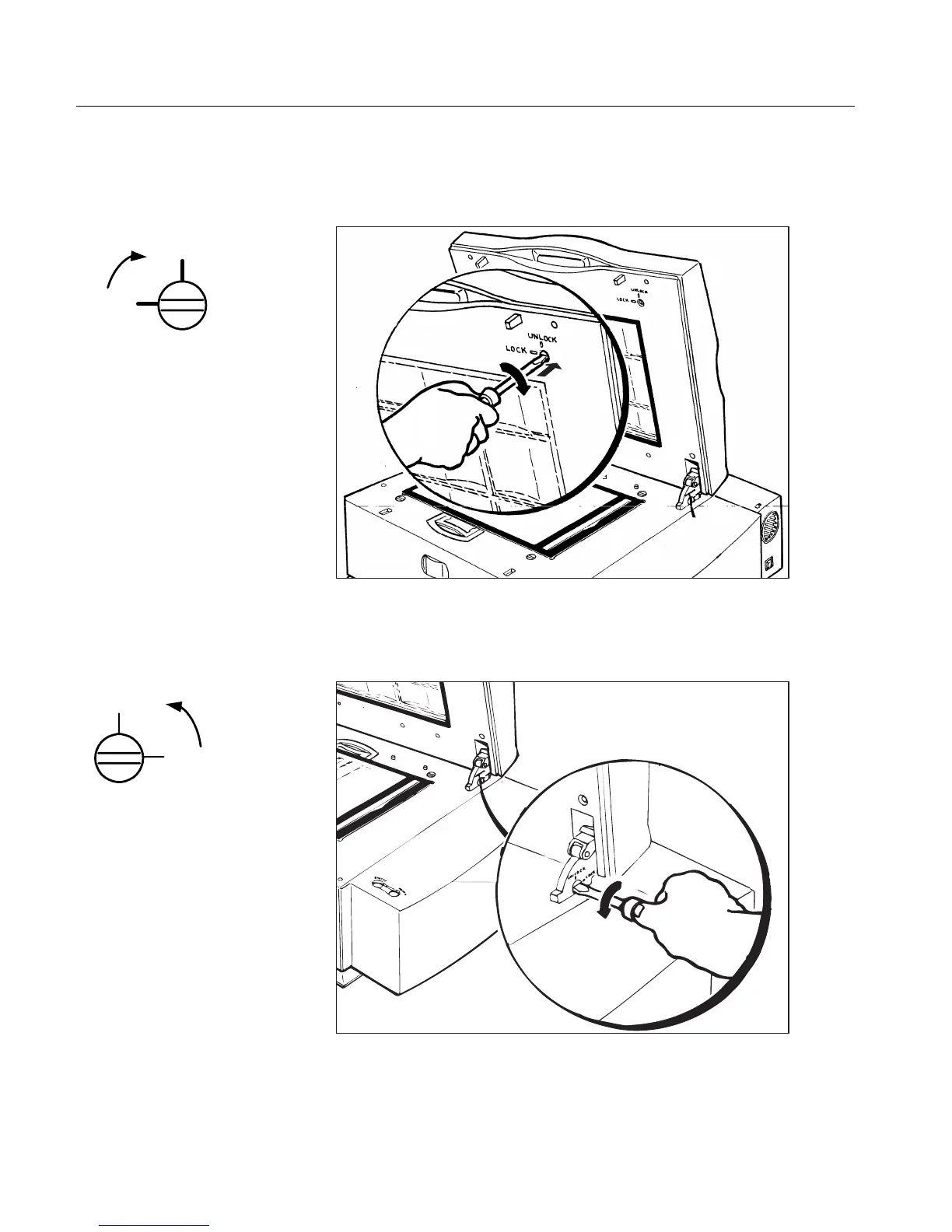
2. Insert the flat screwdriver in the niche of the screw located at the
inside upper right corner of the top cover, push the screw inward,
and turn the screw once, clockwise.
3.
3.3.
3. Insert the flat screwdriver in the niche of the screw located
on the right hinge of the top cover, and turn the screw once,
counter-clockwise.
Lock
Unlock
Lock
Unlock



 To Next Page