24 Chapter 4 Software Installation
5.
5.5.
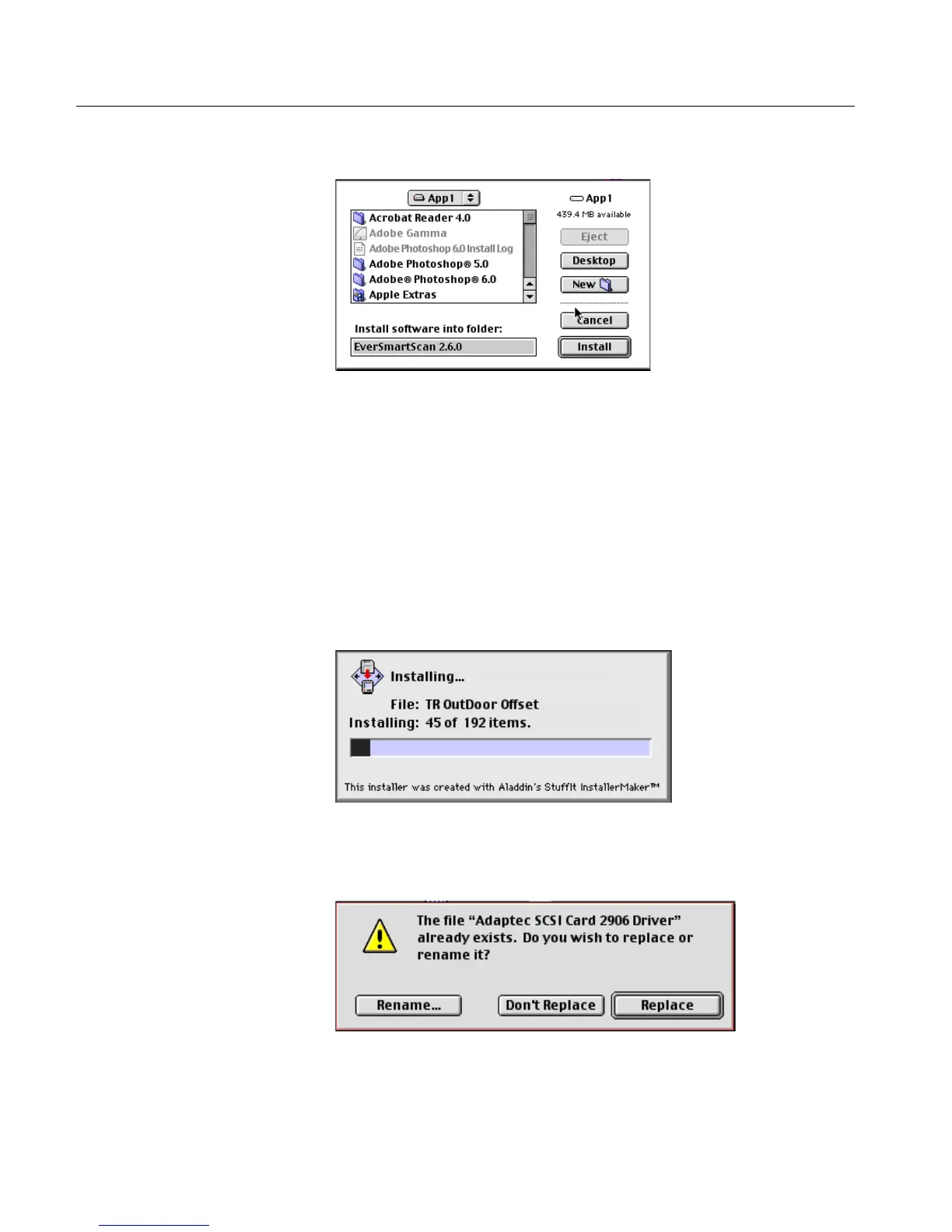
5. Click Install; the following dialog box is displayed.
The dialog box shows where, by default, the software will be
installed. If you want to install the software in another location,
select the folder into which you want to install the software.
The folder location you selected is displayed in the Install software
into folder field at the bottom.
6.
6.6.
6. Click Install.
The installation program continues automatically from this stage
on. The counter shows the number of items that have been
installed.
7.
7.7.
7. As of EverSmart Scan software version 2.5.3, the software
automatically installs the Adaptec SCSI Card 2906 driver. If the
driver already exists, the following message is displayed.
8.
8.8.
8. Click Replace to continue.



 To Next Page