38 Chapter 5 SCSI Configuration
4.
4.4.
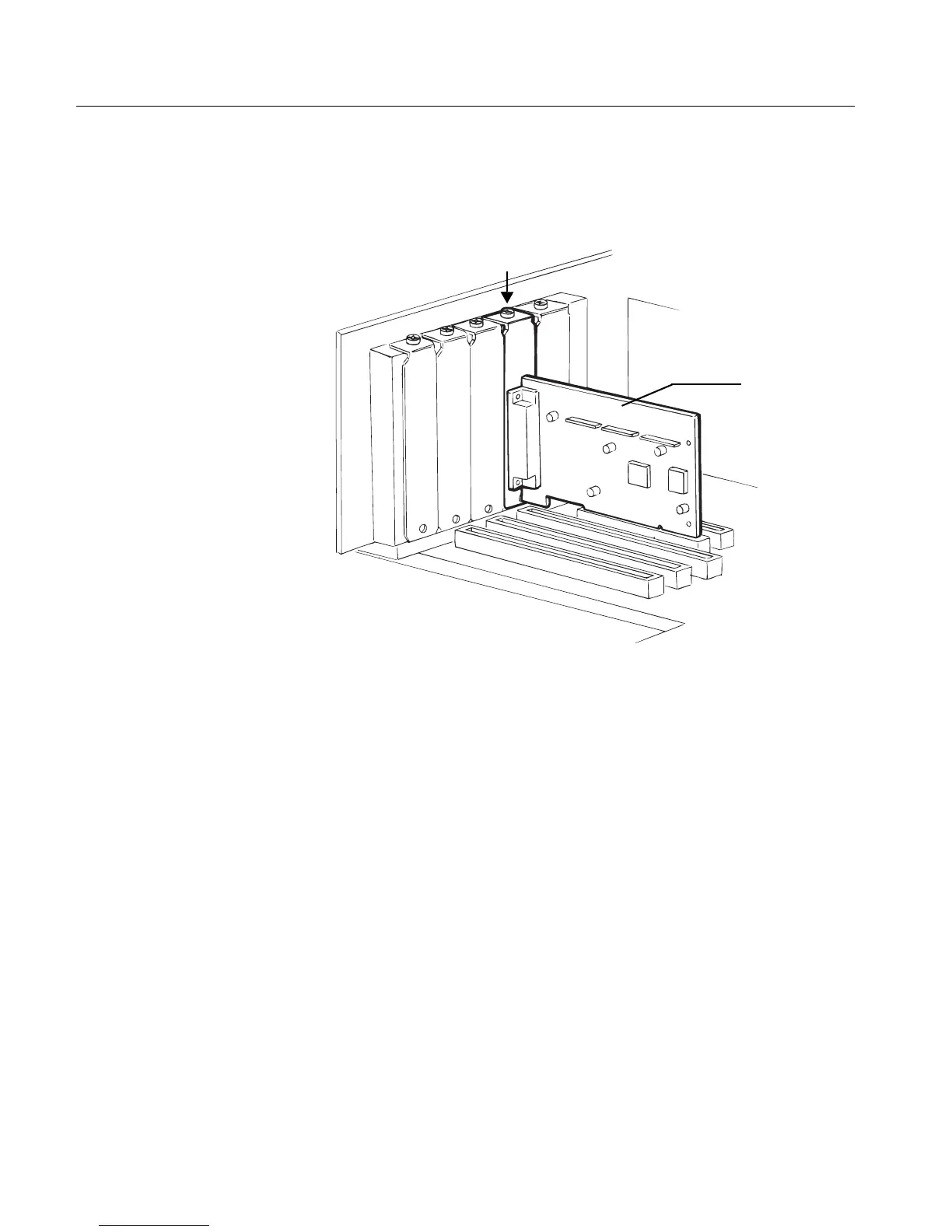
4. Carefully insert the SCSI board into the PCI expansion slot,
pressing it down firmly so the gold fingers are seated in the slot
(see the figure in Step 3). Secure the SCSI board with the slot
cover screw you removed in Step 3.
5.
5.5.
5. Place the computer cover back on.
SCSI Board
installed in a
PCI Expansion
slot



 To Next Page