Connecting Options 41
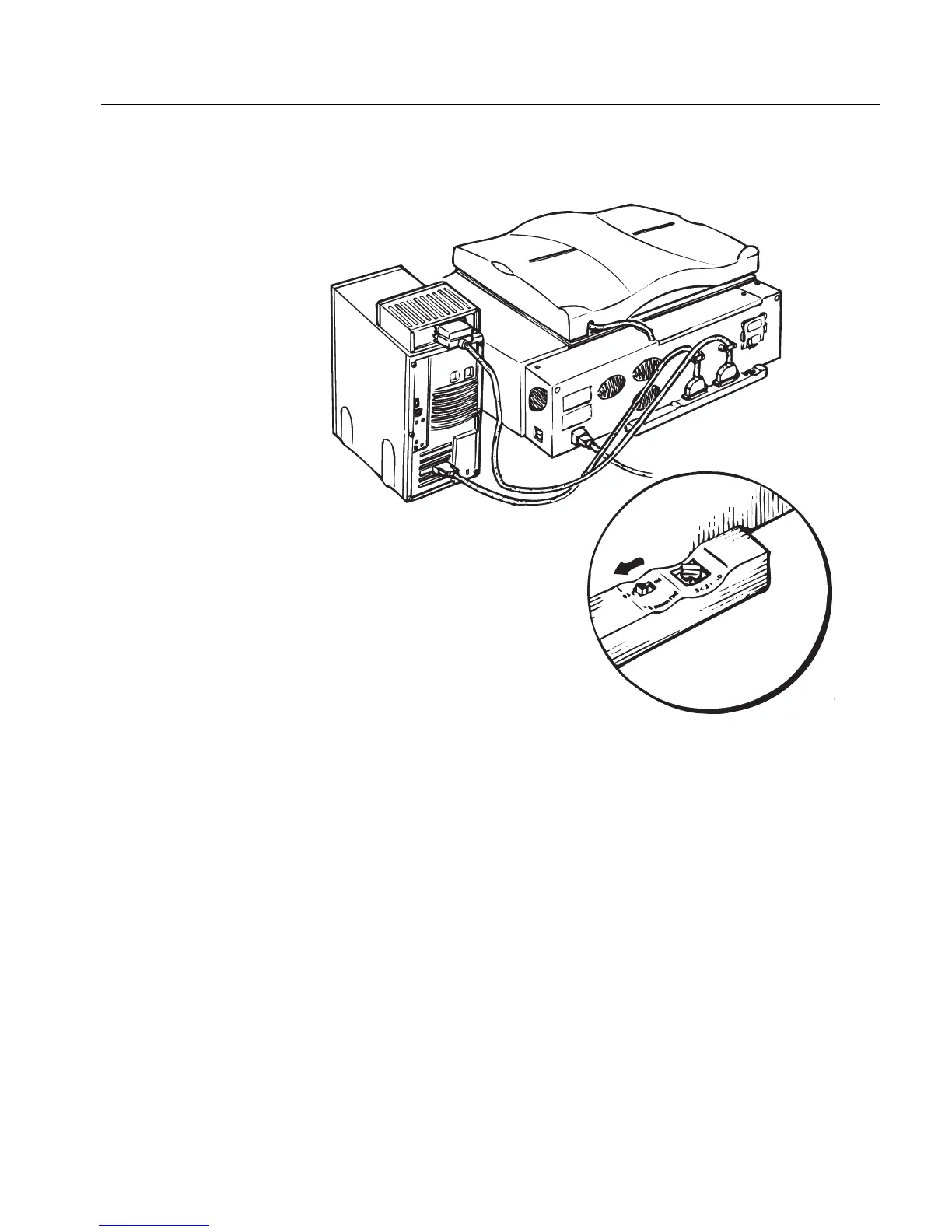
Option 3: Scanner connected between the computer and SCSI device
NOT RECOMMENDED
Connect the SCSI cable (1) from one of the connector sockets
on the scanner to the SCSI board connector on the back of the
computer.
Connect the peripheral vendor SCSI/SCSI cable from the other
connector socket on the scanner to one of the ports on the
peripheral device.
Connect the SCSI terminator to the other port on the peripheral
device.
Switch the terminator OFF.
(1)



 To Next Page