44 Chapter 5 SCSI Configuration
5.
5.5.
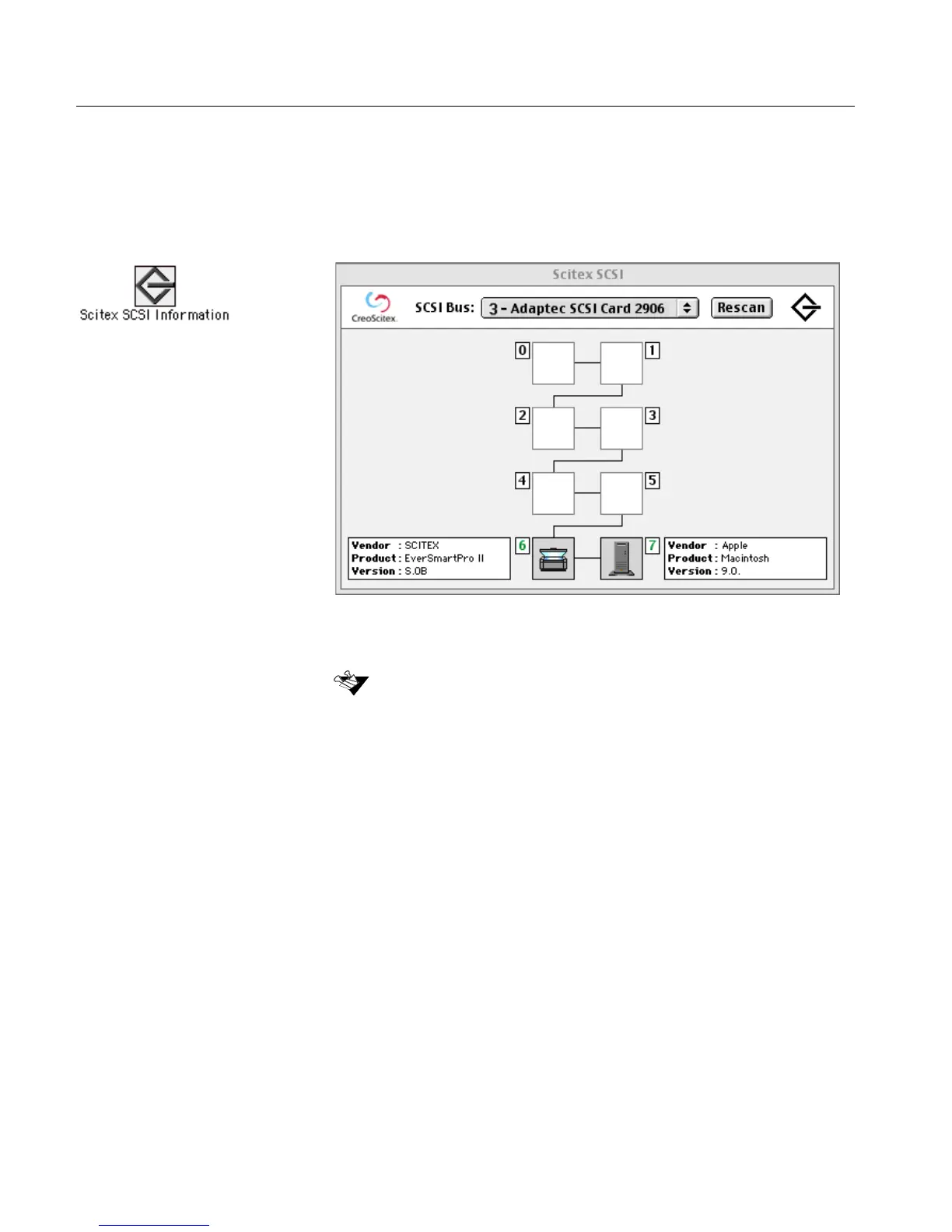
5. Double-click the Scitex SCSI Information icon located in the
EverSmart oXYgen/v.3.0 folder.
The SCSI network is scanned, and the network mapping is
displayed, as shown in the following figure:
All devices connected to the network appear as icons, together
with their ID number.
6.
6.6.
6. From the SCSI Bus list, select Adaptec SCSI Card 2906, or any of
the SCSI boards provided.
7.
7.7.
7. Close the window by clicking on the small box in the upper left
corner.
If any of the devices are switched off, SCSI Information does not list the
device ID number.



 To Next Page