Stage 4 - Prepare the Scanner 53
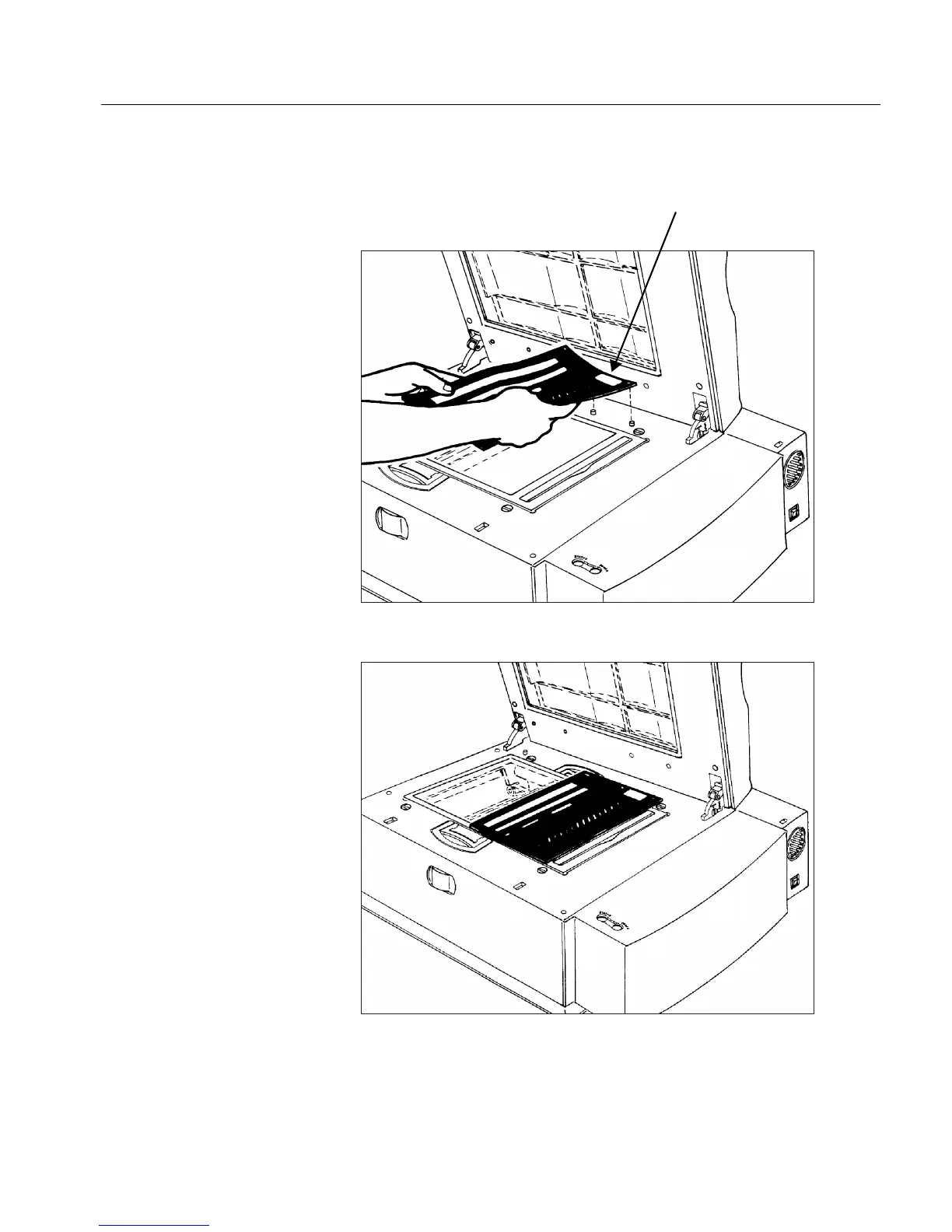
Place the calibration slide on the base glass: the pin holes in the
slide should fit over the two right-hand pins at the top side of the
base glass. The sticker on the calibration slide should be in the
upper right-hand corner.
The slide should appear as follows:
Close the top cover, and click Proceed.



 To Next Page