62 Chapter 6 Installation Program
Solution
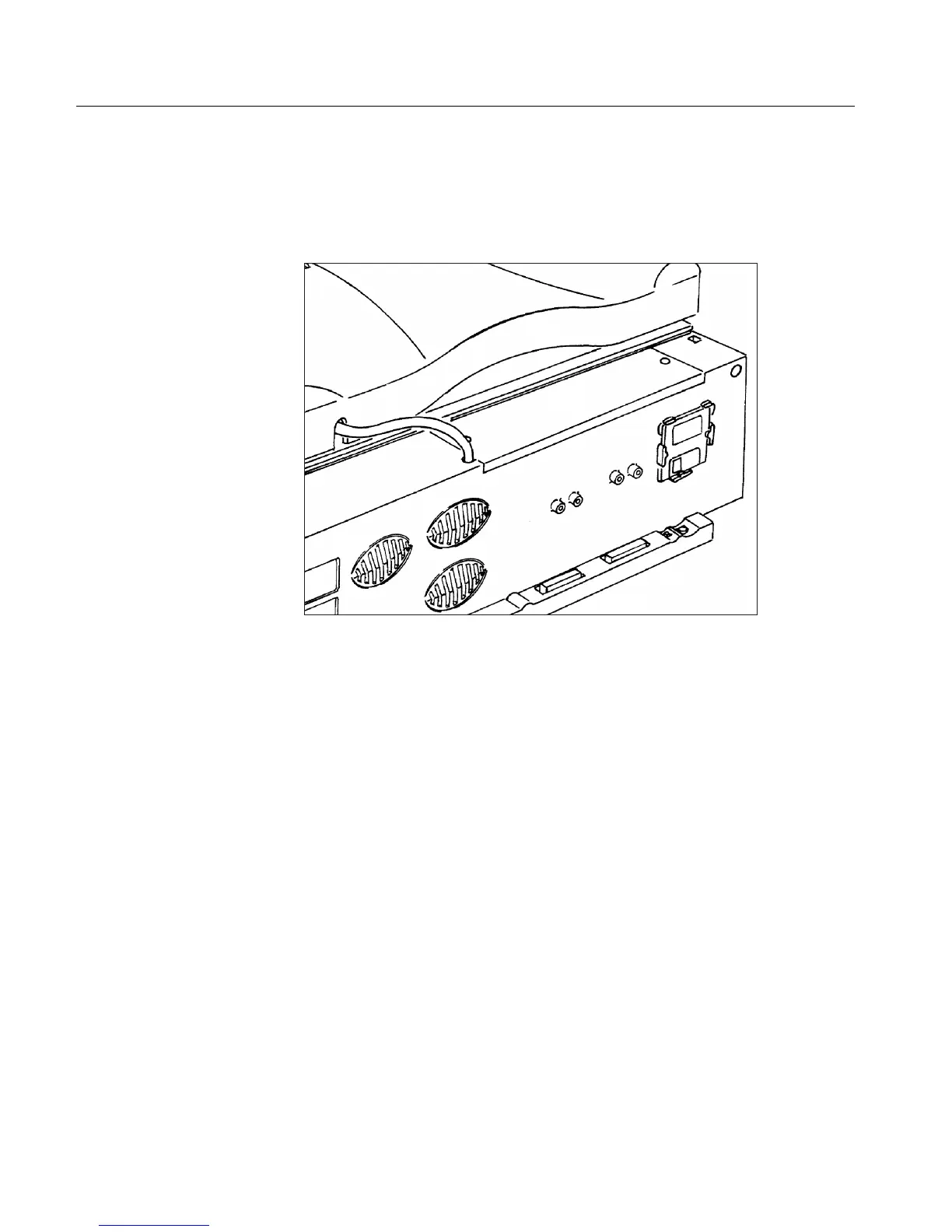
An original, factory-produced, parameters backup media is
supplied with the scanner. The media is located in the Installation
kit. Insert this media into the drive.
If no parameter media exists, click No Backup; default parameters
are automatically created.



 To Next Page