16
|
OPERATING INSTRUCTIONS
3.2 Technical data
max. permissible total weight
=
bike weight (incl. entire payload and
attachment parts
+
body weight incl. clothing and luggage
(accessories on the rider)
The information on the max. permissible
total weight and the unladen weight of your
bike can be found in the production report,
which is included in the preamble of this
operating instructions. The information can
also be found on the EPAC sticker or sticker
attached to the frame of your bike.
You can nd a more detailed overview inclu-
ding calculation examples on our homepage
in the FAQ‘s.
QR CODE
(https://www.cube.eu/support/help-faq)
New technical ndings can result in chan-
ges to the models, their technical data
and even in entirely new models.
Please observe the separate instructions,
if available.
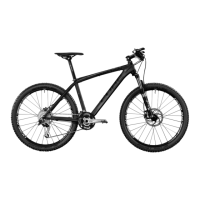
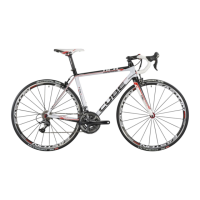
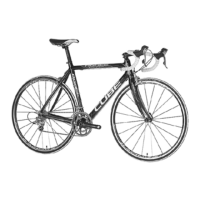
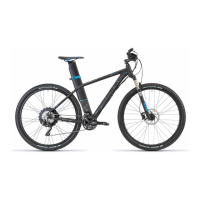
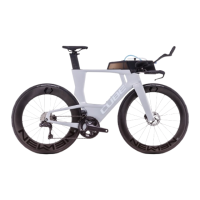
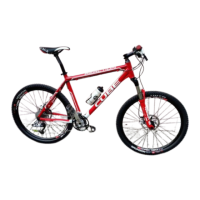
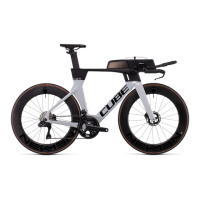
We divide our bikes into the following
categories. Within these categories there are
dierent model families and bike types.
The bicycle types listed are common
examples and not a complete list.
The category and model, can be found as
well as other data on your bicycle on the
handover certicate at the end of these
original operating instructions and the
EPAC sticker or sticker on the frame of
your bicycle.
When purchasing, check with your bicycle
dealer tha
t it has been lled in completely
and correctly!
4 Assembly and function
4.1 Categories / Model Overview
3.3 Torques of screw connections
All relevant torque specications are printed
on the respective components on the wheel.
Due to the variety of dierent components
and in order to avoid operating errors and
misunderstandings,
we will not list all the information here.
A more detailed overview of the bolted
connections, including the relevant torque
specications, can be found on our home
-
page in the FAQ‘s.
QR CODE
(https://www.cube.eu/support/help-faq)



 To Next Page