8
EXCEL HR OPERATOR MANUAL
D1796, REV. D, 12/16
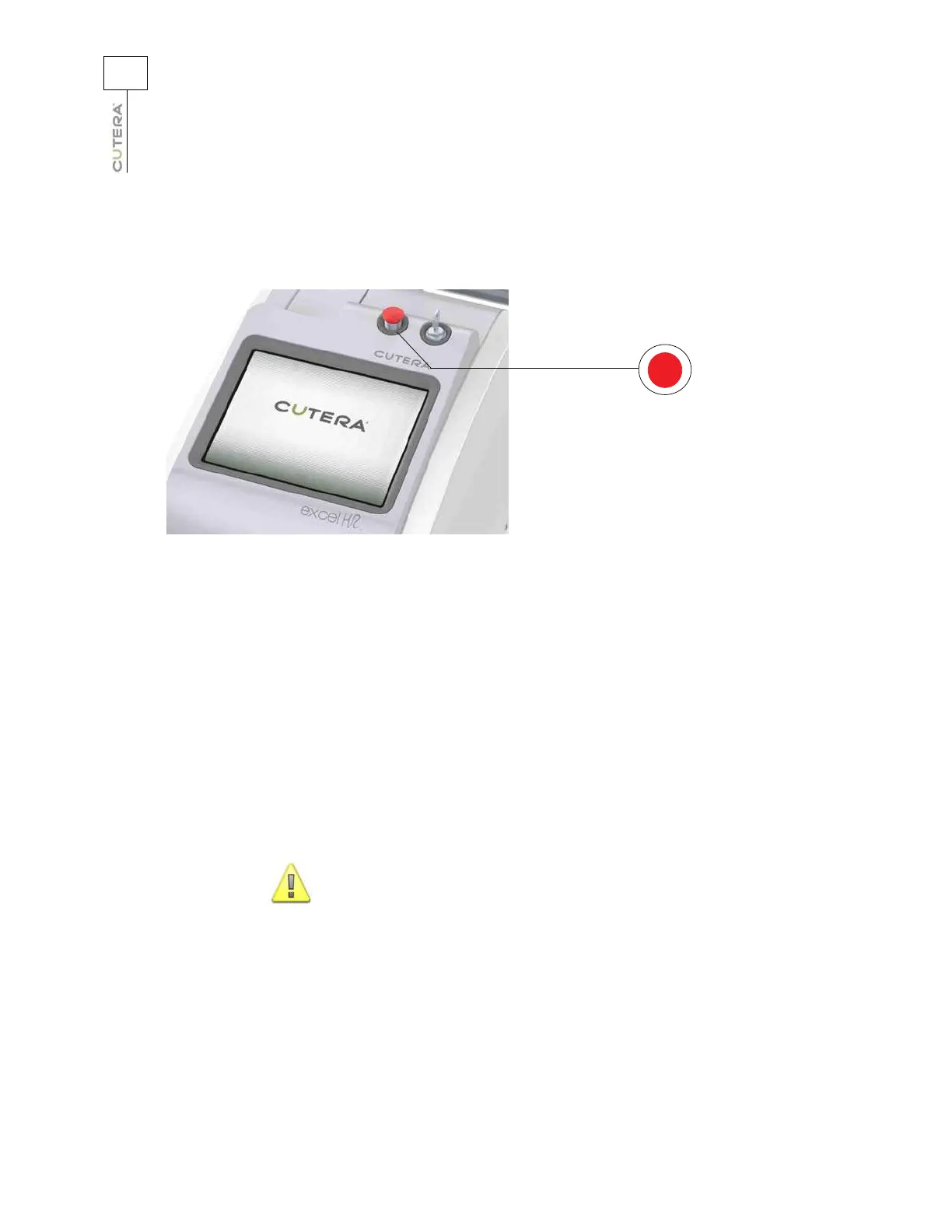
Emergency Off
In an emergency, press the red emergency off button to immediately turn off the system.
Emergency off button
Disconnecting the System
1. Turn the keyswitch to the O (off) position.
2. Set the system main power circuit breaker to the off (down) position.
3. Remove the power plug from the electrical outlet, and wrap the power cable around the
power cable wrap.
4. Place the footswitch on the upper power cable wrap. Coil the footswitch
cable and store it
inside the footswitch holder. Do not wrap the footswitch cable around the power cable
wrap.
5. Store the handpiece in the compartment at the front of the console.
When storing the handpiece, do not coil the umbilical too tightly
, as
damage to the internal optical fiber will occur.
CAUTION



 To Next Page