21
EXCEL HR OPERATOR MANUAL
D1796, REV. D, 12/16
User-selectable Treatment Parameters
In pulsed lasers, such as excel HR, fluence and pulse duration affect the nature of laser-tissue
interaction. The excel HR system has sufficient laser peak power to allow for a wide range of fluence and
pulse duration combinations, enabling you to select optimal tissue interaction parameters. Even very
small target tissues may be targeted with sufficient fluence, at appropriately small pulse durations, to
achieve selective photothermolysis effects.
Treatment parameters are interrelated. Therefore, not all parameter
combinations
are simultaneously available. If you attempt to select
a treatment setting that is not available, the system emits a distinct
audible tone. Changing one or more of the other parameters may
enable you to select the desired treatment setting.
Selecting the Laser Wavelength
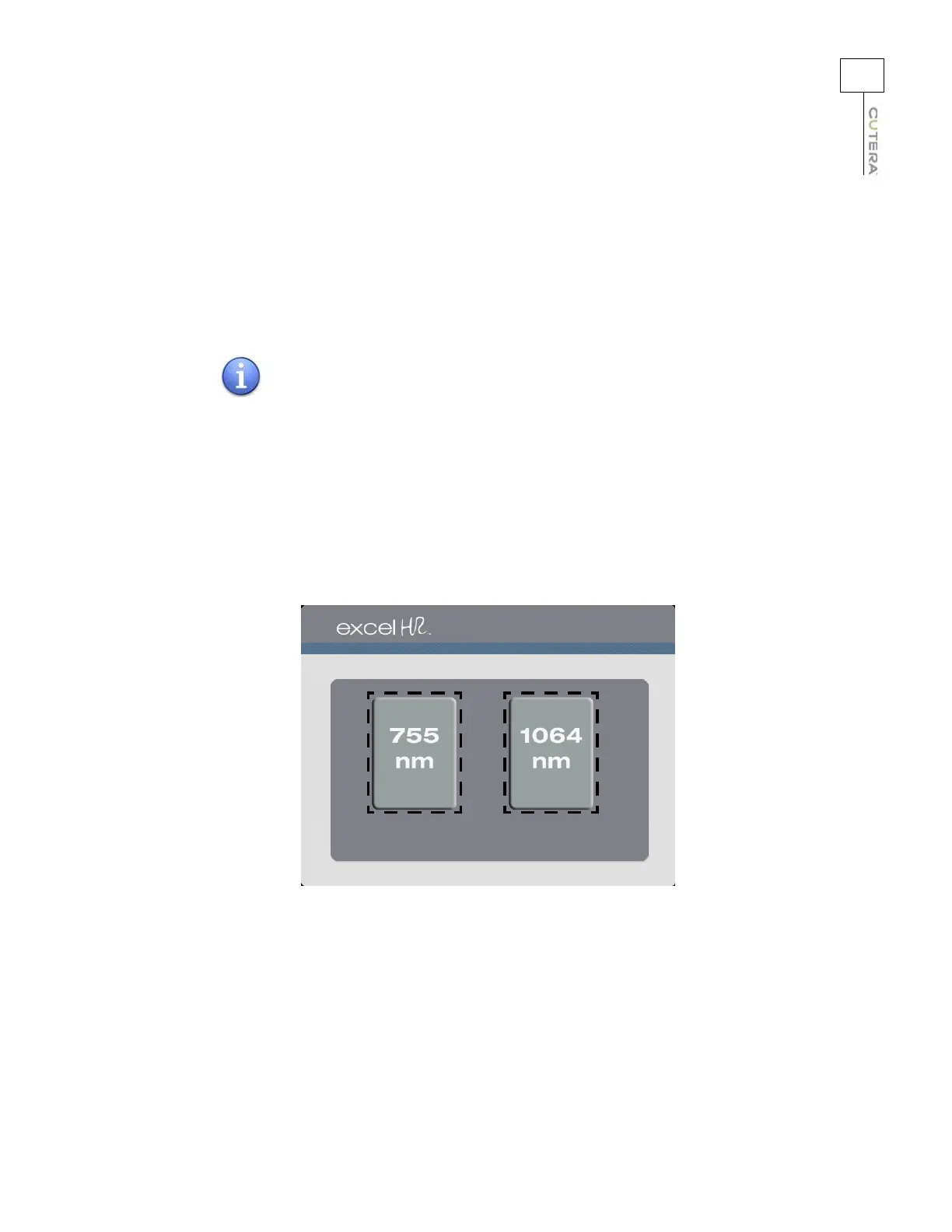
The excel HR features two wavelengths: 755 nm and 1064 nm. Touch the button for the desired
wavelength to go to the corresponding Treatment screen.
Location of Wavelength Buttons on Select Screen
NOTE



 To Next Page